Seasonal Color Analysis: Find Your Season (Free 2026 Guide)
A practical guide to seasonal color analysis: what undertone, depth and contrast mean, how to tell Spring, Summer, Autumn and Winter apart, and how to test your season for free in daylight.

Ever noticed that one shirt makes you look rested and another, in almost the same style, makes you look tired? That’s color at work. Seasonal color analysis is a simple system for finding the shades that harmonize with your natural skin, hair and eye colors, so the people looking at you notice you, not the sweater.
The idea has been around for decades, but you no longer need a paid consultation and a pile of fabric drapes to try it. Below you’ll learn what the system actually measures, how the four seasons differ, and how to get a quick result from our free color analysis tool, then double-check it in a mirror.
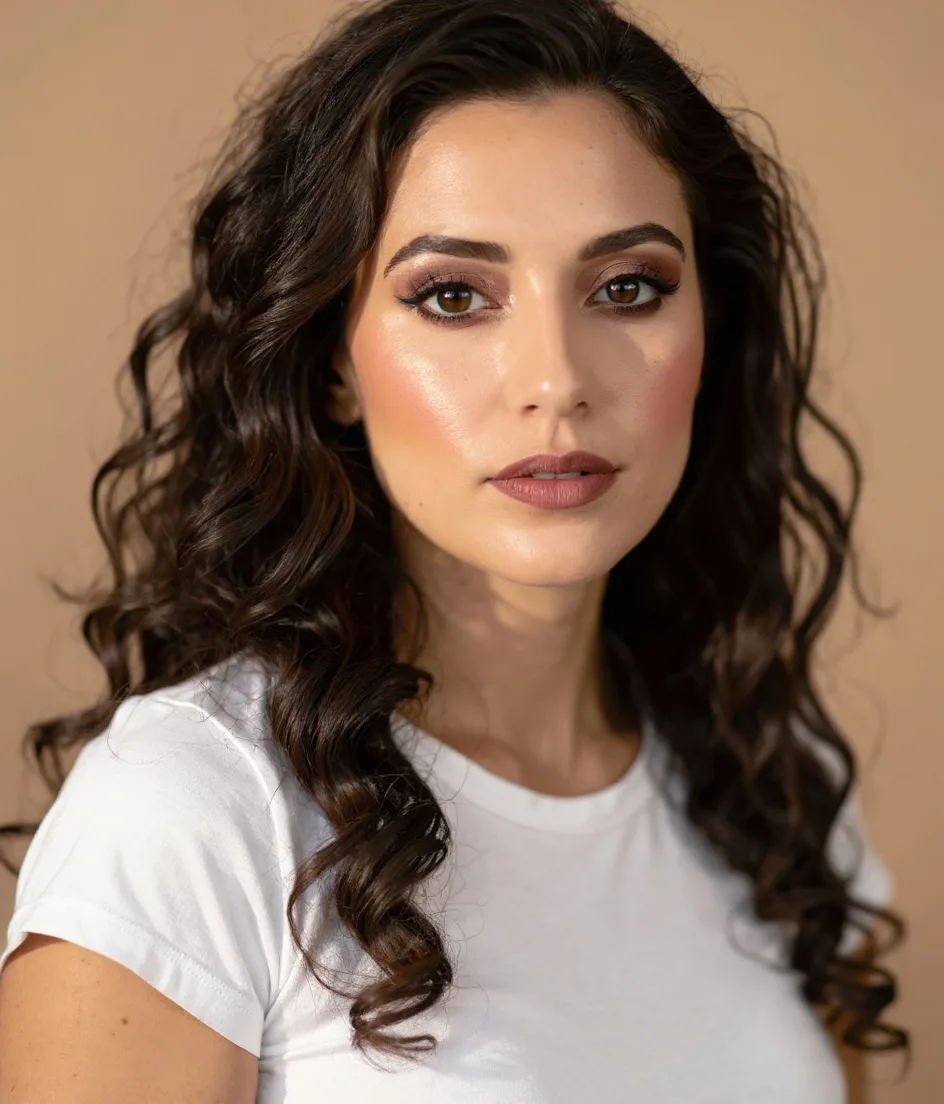
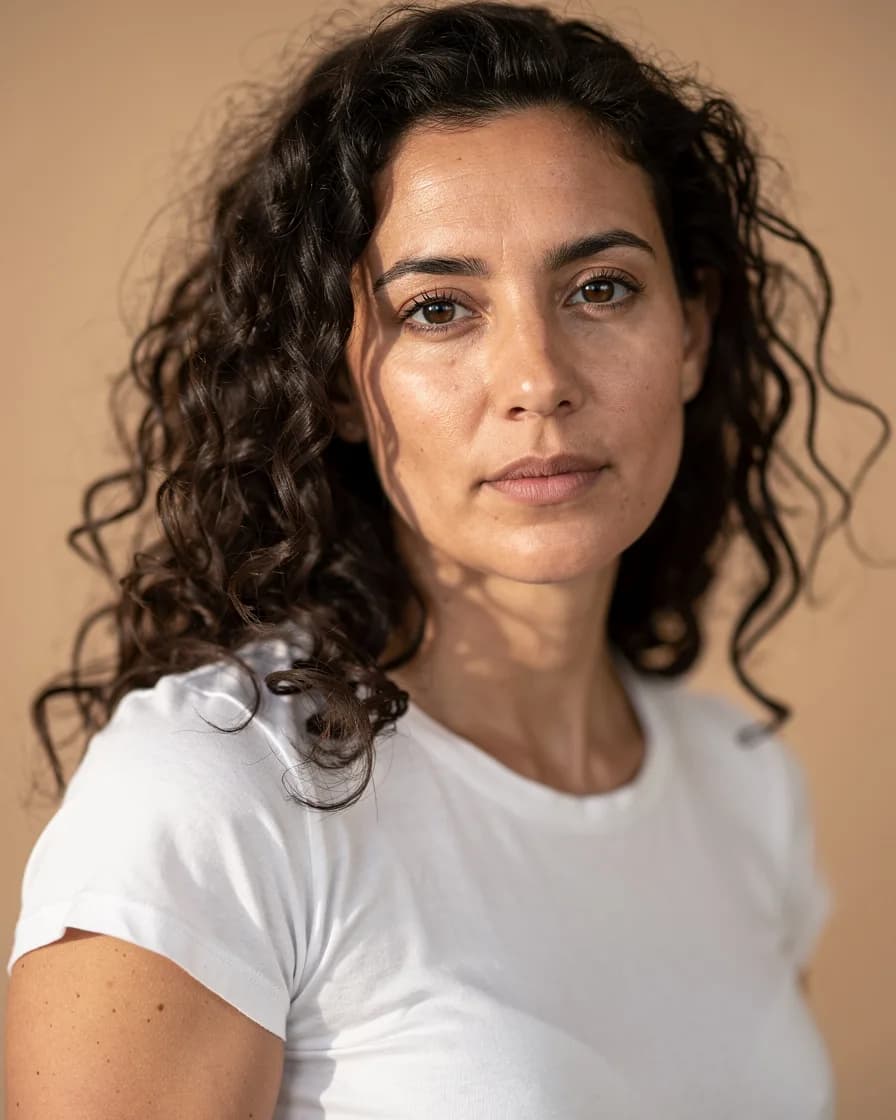
What seasonal color analysis actually measures
Every season is a combination of three traits. Once you understand them, the whole system makes sense.
- Undertone (warm or cool): the hue underneath your surface skin color. Warm undertones lean golden, peachy or olive-yellow. Cool undertones lean pink, rosy or bluish. Your undertone doesn’t change with a tan.
- Depth (light, medium or deep): how light or dark your overall coloring is, mostly driven by your skin and hair.
- Contrast (low, medium or high): the difference in lightness between your skin, hair and eyes. Very dark hair with fair skin is high contrast. Light brown hair with light skin is low contrast.
Some systems add a fourth trait, chroma (clear vs muted), and split each season into three sub-seasons for twelve in total. The four-season version is the best place to start: it gets most people 80% of the way there.
The four color seasons at a glance
Spring: warm, light and bright
Springs have warm undertones, light to medium depth and a fresh, clear look. Think golden blonde or strawberry hair, peachy skin and bright eyes.
- Best colors: coral, apricot, warm turquoise, sunny yellow, grass green
- Neutrals: camel, warm beige, ivory instead of stark white
- Metals: yellow gold and rose gold
- Go easy on: black, icy pastels and dusty, heavy tones
Summer: cool, soft and muted
Summers have cool undertones and low to medium contrast. Ash blonde or soft brown hair with rosy skin is classic Summer.
- Best colors: powder blue, lavender, dusty rose, soft sage, mauve
- Neutrals: soft gray, slate, cool taupe
- Metals: silver, white gold, platinum
- Go easy on: orange, mustard and very saturated warm shades
Autumn: warm, rich and earthy
Autumns are warm with medium to deep coloring. Auburn, chestnut or dark golden-brown hair and golden or olive skin are typical.
- Best colors: rust, terracotta, olive, mustard, deep teal, chocolate
- Neutrals: khaki, warm brown, cream
- Metals: gold, bronze and copper
- Go easy on: icy pastels, fuchsia and harsh black-and-white combinations
Winter: cool, deep and striking
Winters are cool with high contrast: think very dark hair with fair skin, or deep skin with bright, clear eyes.
- Best colors: true red, emerald, royal blue, fuchsia, crisp white
- Neutrals: black, charcoal, navy
- Metals: silver and platinum
- Go easy on: beige, orange and muted earth tones
How to run a free color analysis on a selfie
The FaceBodyTune color analysis tool samples the colors of your skin, hair and eyes and reports your season along with your undertone, contrast and depth. It also gives you a palette, neutrals, metals and makeup shades to start from. It runs in your browser, so your photo never leaves your device.
For a result you can trust, set up the photo carefully:
- Stand facing a window in indirect daylight, ideally late morning or early afternoon. Avoid direct sun, which washes colors out.
- Turn off every filter and beauty mode. Many phone cameras warm or smooth skin automatically.
- Go bare-faced or close to it. Foundation, bronzer and colored lipstick all change what the tool reads.
- Pull your hair forward so some of it sits next to your face and shows its true color.
- Wear white or light gray and keep colorful walls out of the frame. A red top bounces red onto your jaw.
Tip: take two photos on two different days and compare. If both say the same season, you can be fairly confident. If they differ, you’re probably on the border between them.
The daylight mirror test
A photo-based result is a great starting point. To confirm it, try these quick checks in front of a mirror in daylight.
- White vs cream: hold a pure white towel, then an off-white one, under your chin. If crisp white makes your skin look clearer, lean cool. If cream looks kinder, lean warm.
- Gold vs silver: try a gold piece and a silver piece of jewelry against your skin. The one that seems to "disappear" into your skin is usually your best metal.
- Bright vs soft: compare a saturated color with a dusty version of the same hue. If the bright one wears you, you’re probably Summer or Autumn. If the soft one makes you look dull, you’re probably Spring or Winter.
Watch your face, not the fabric. The right color evens out redness, softens shadows under the eyes and makes your eyes look brighter. The wrong one can make skin look sallow, gray or blotchy.
Skip the "vein test" as your only check. Vein color is hard to judge and depends a lot on lighting, so treat it as a hint at most.
Using your palette in real life
You don’t need to throw out your wardrobe. Use your season where it has the biggest effect: near your face.
- Tops, scarves and collars matter most. A color you love but that isn’t in your palette can still work as trousers or shoes.
- Lipstick and blush have a big impact for a small cost. Springs shine in coral and peach, Summers in rose and mauve, Autumns in terracotta and brick, Winters in true red and berry.
- Glasses frames and jewelry sit right on your face, so match their metal or tone to your season.
- Hair color can shift your contrast. If you’re thinking about going lighter or darker, preview it first with a hair color changer and read our guide on how to change hair color in photos.
How to do it in FaceBodyTune
Once you know your season, you can preview makeup shades from it on your own face before buying anything.
- Upload a clear, front-facing photo in the editor.
- Open the Lipstick tool and pick a shade from your season’s palette.
- Adjust the intensity slider. For an everyday look, keep it under about 60% so lip texture still shows through.
- Compare with a shade from a different season to see the difference side by side.
- Download your favorite and take it shopping as a reference.
For eyeshadow and full looks, the makeup photo editor lets you build a complete look in your palette.
Common color analysis mistakes
- Testing under warm bulbs. Indoor lighting can turn a Summer into an Autumn in seconds.
- Judging by what you already wear. Most of us buy what we like, not what suits us.
- Treating the palette as a rulebook. It’s a guide. If a color makes you happy, wear it, maybe just a little further from your face.
- Forgetting your season can be a blend. Border cases are normal, especially for people with olive or neutral undertones.
Before-you-shop checklist
- Photo taken in daylight, no filter, minimal makeup
- Season confirmed with the white vs cream and gold vs silver checks
- Three to five favorite colors from your palette saved on your phone
- Lip shade previewed on your own photo
- Metal chosen for everyday jewelry and frames
Your colors won’t change who you are, but they can make getting dressed faster and photos more flattering. Start with the free color analysis tool, then experiment and enjoy it.
Frequently asked questions
How do I know if I’m a Spring, Summer, Autumn or Winter?
Look at three things: your undertone (warm or cool), your depth (light, medium or deep) and the contrast between your skin, hair and eyes. Warm and light usually means Spring, cool and soft means Summer, warm and rich means Autumn, and cool with high contrast means Winter. A free selfie-based color analysis tool can do the first pass for you.
Can I do color analysis from a photo?
Yes, as long as the photo is taken in natural daylight with no filter, no heavy makeup and no colored light bouncing onto your face. Warm indoor bulbs and beauty filters can shift the result by a whole season.
What if I’m between two seasons?
That’s very common. Many people sit on the border, such as a soft Autumn who also looks good in some Summer shades. Use the colors that both palettes share as your safe zone and test the rest in daylight.
Does my season change if I dye my hair or tan?
Your undertone stays the same, but your depth and contrast can shift. Going from dark to light hair, for example, lowers your contrast, so softer shades from your palette may start to look better.
Try it on your own photo
Free face and body edits right in your browser — plus AI tools when you want more.
Try lip colorsKeep reading

How to Try New Hairstyles on Your Face Before the Salon
Want to try new hairstyles on your face before you commit? Learn how to match cuts to your face shape, preview bobs, bangs and curls with AI, and bring the right reference to your stylist.

What Face Shape Do I Have? How to Tell in 2 Minutes
What face shape do I have? Learn how to measure your face at home, understand the six face shapes (oval, round, square, heart, oblong, diamond) and find the hairstyles, glasses and makeup that flatter each.

How to Change Hair Color in Photos (Natural Results)
Thinking about a new shade? Learn how to change hair color in photos so it looks real: choosing honey blonde, copper or ash brown, picking the right blend mode, and checking roots, ends and shine.