Free tool
Retouch photos in one tap
Smooth skin, clear spots, brighten your face and whiten teeth — natural results that still look like you.
Free to start Works in your browser Private by design
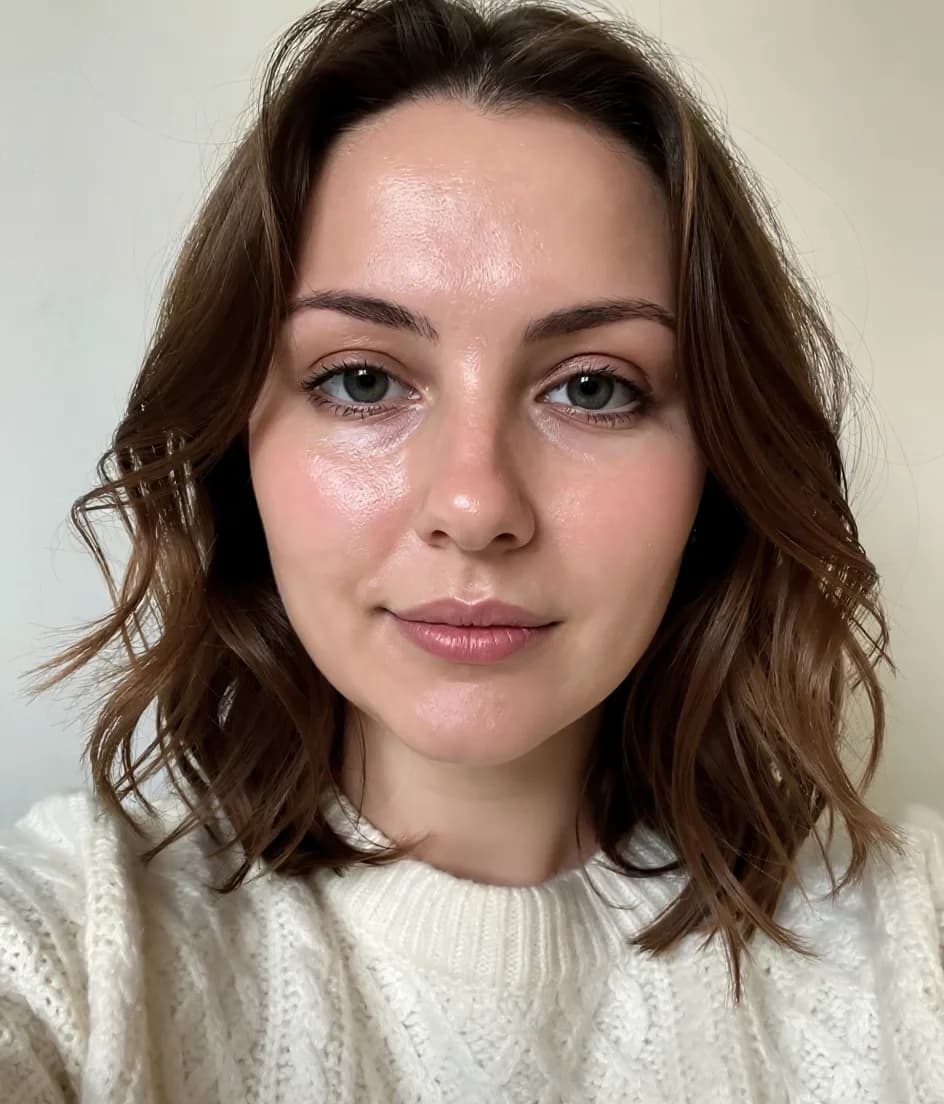
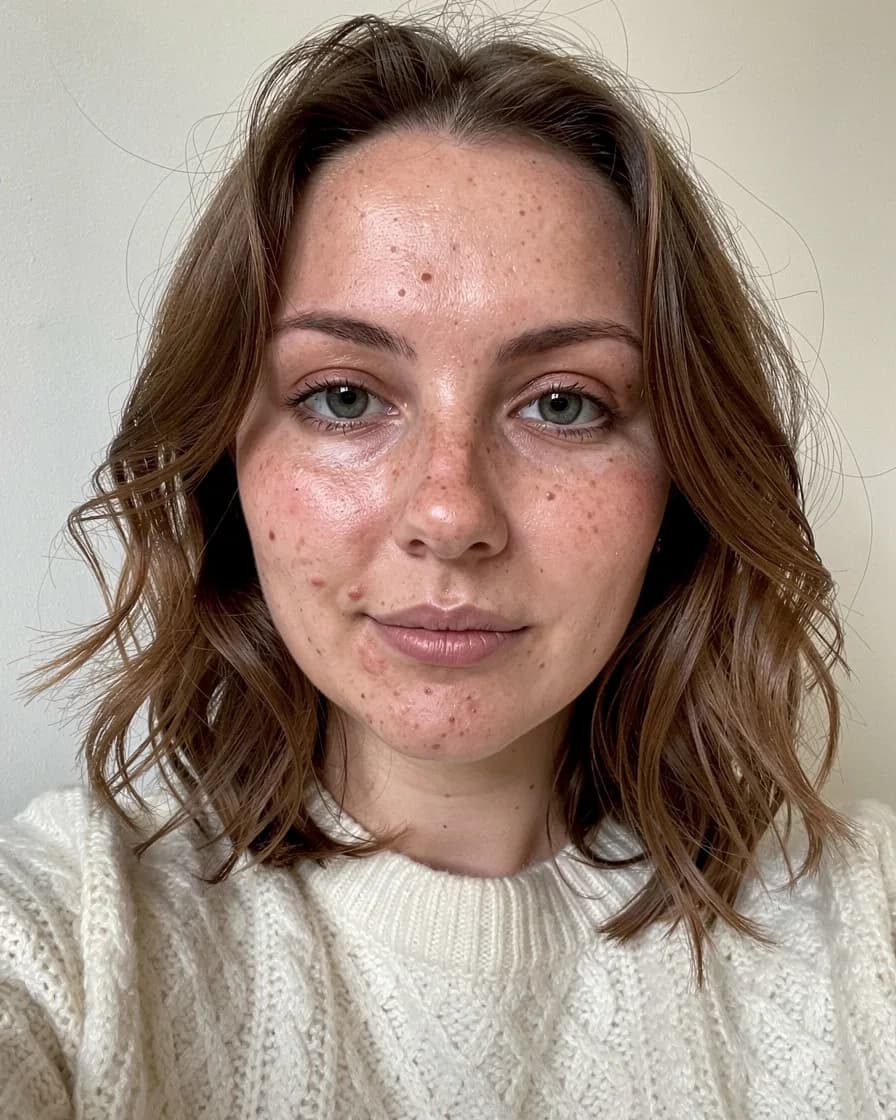
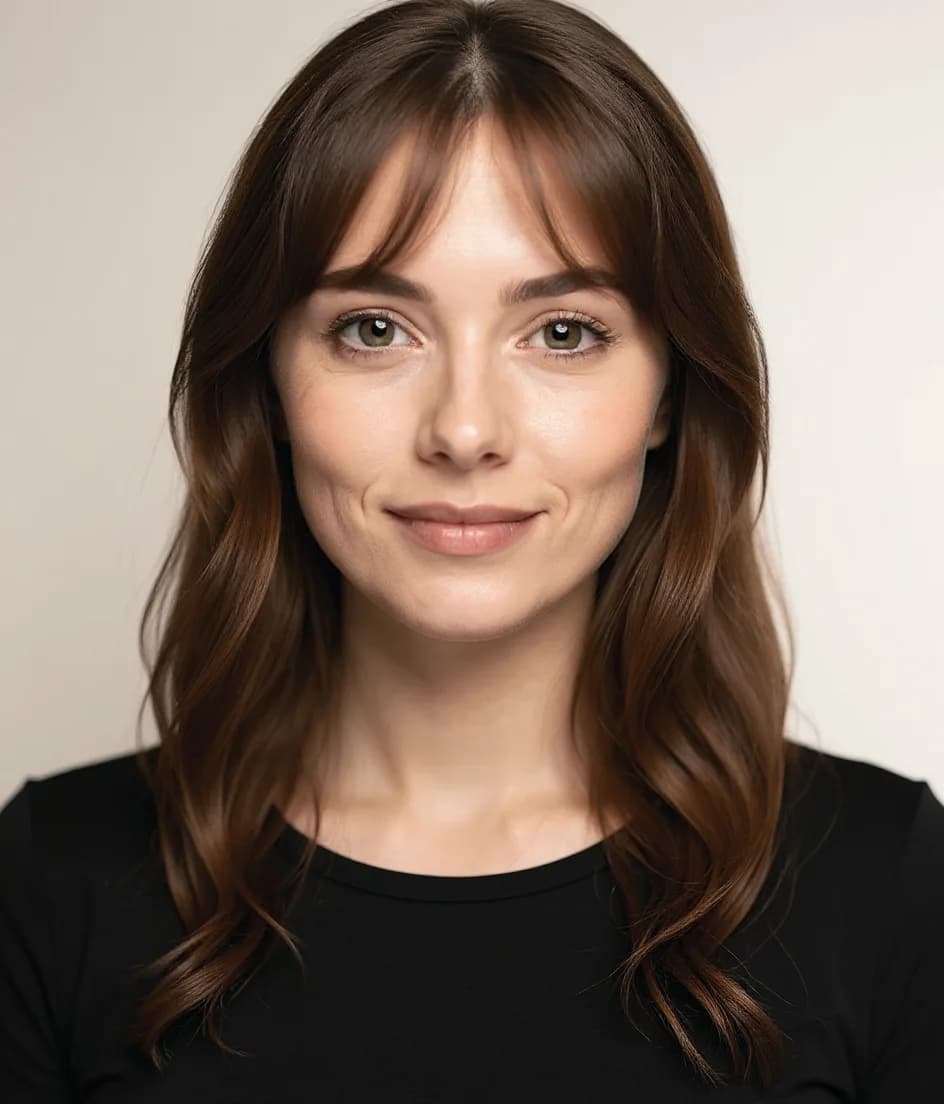
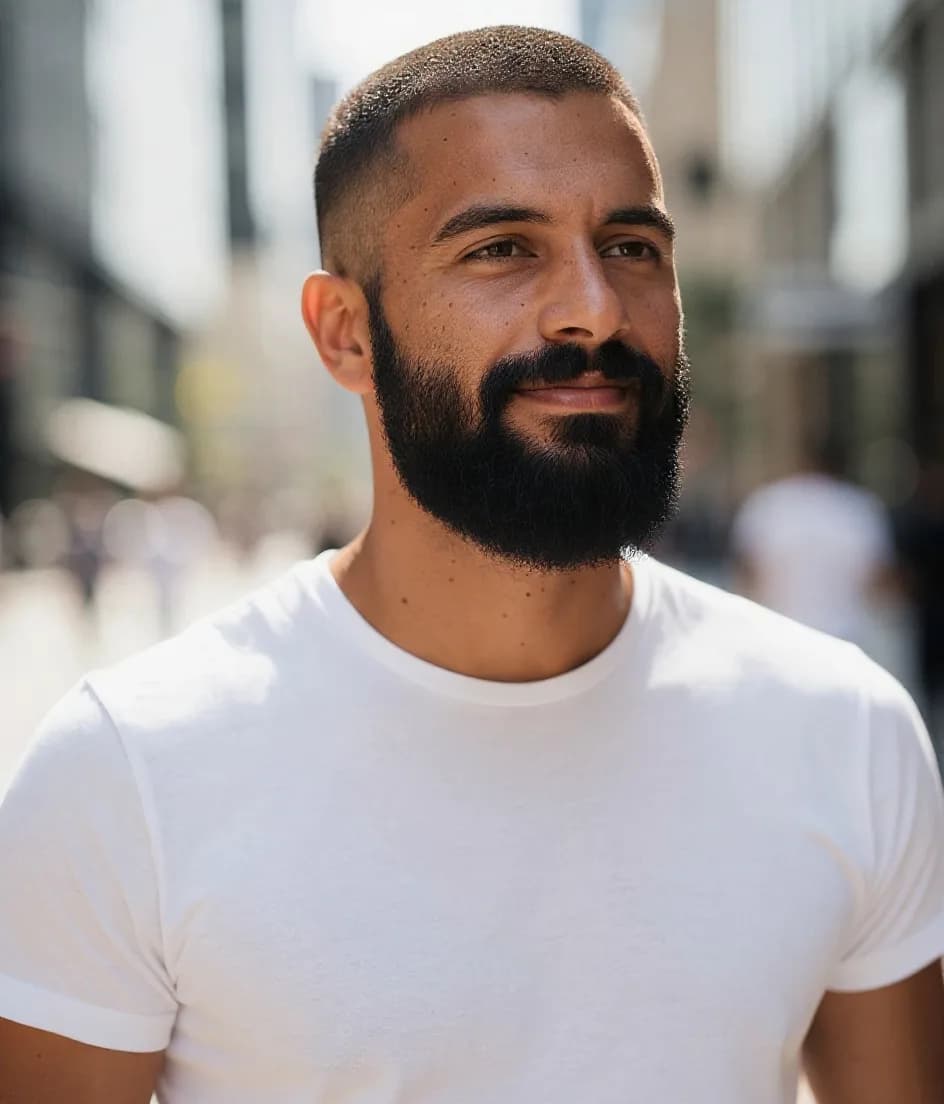
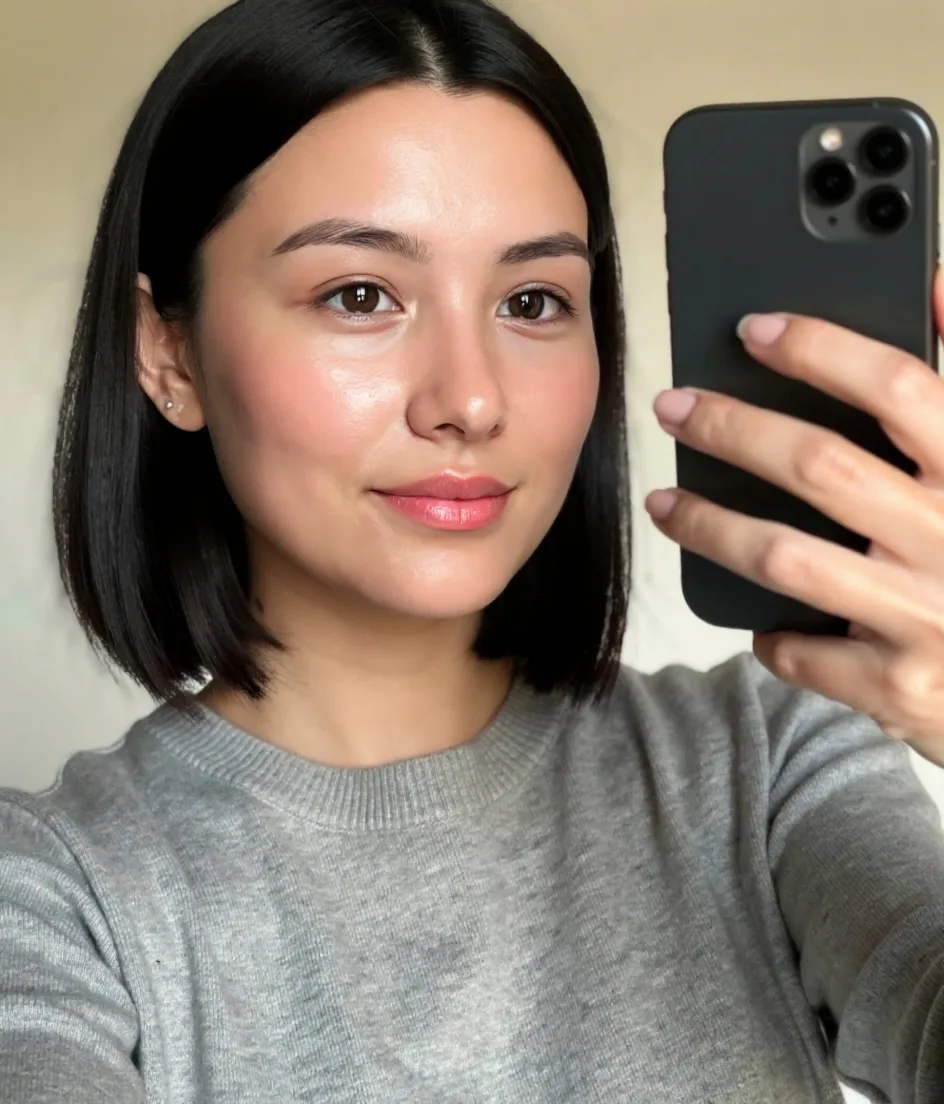
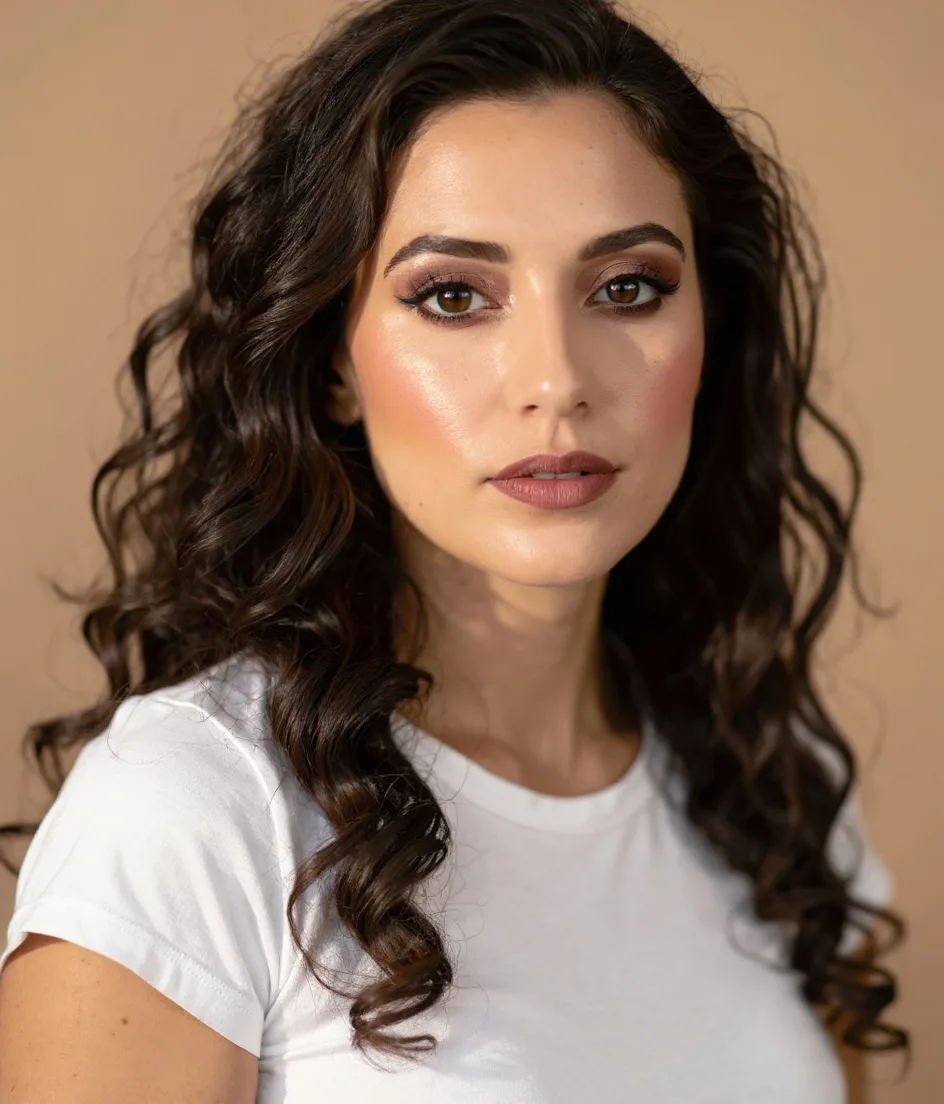
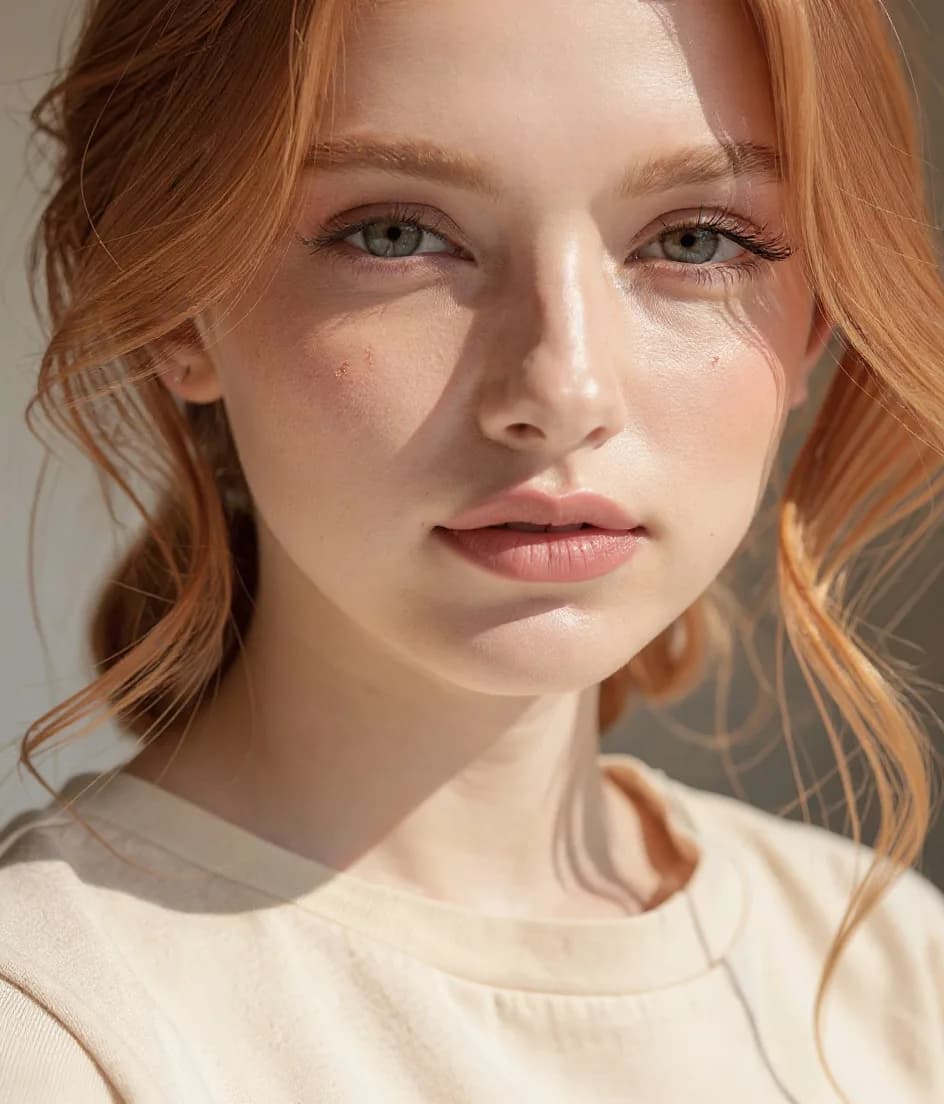
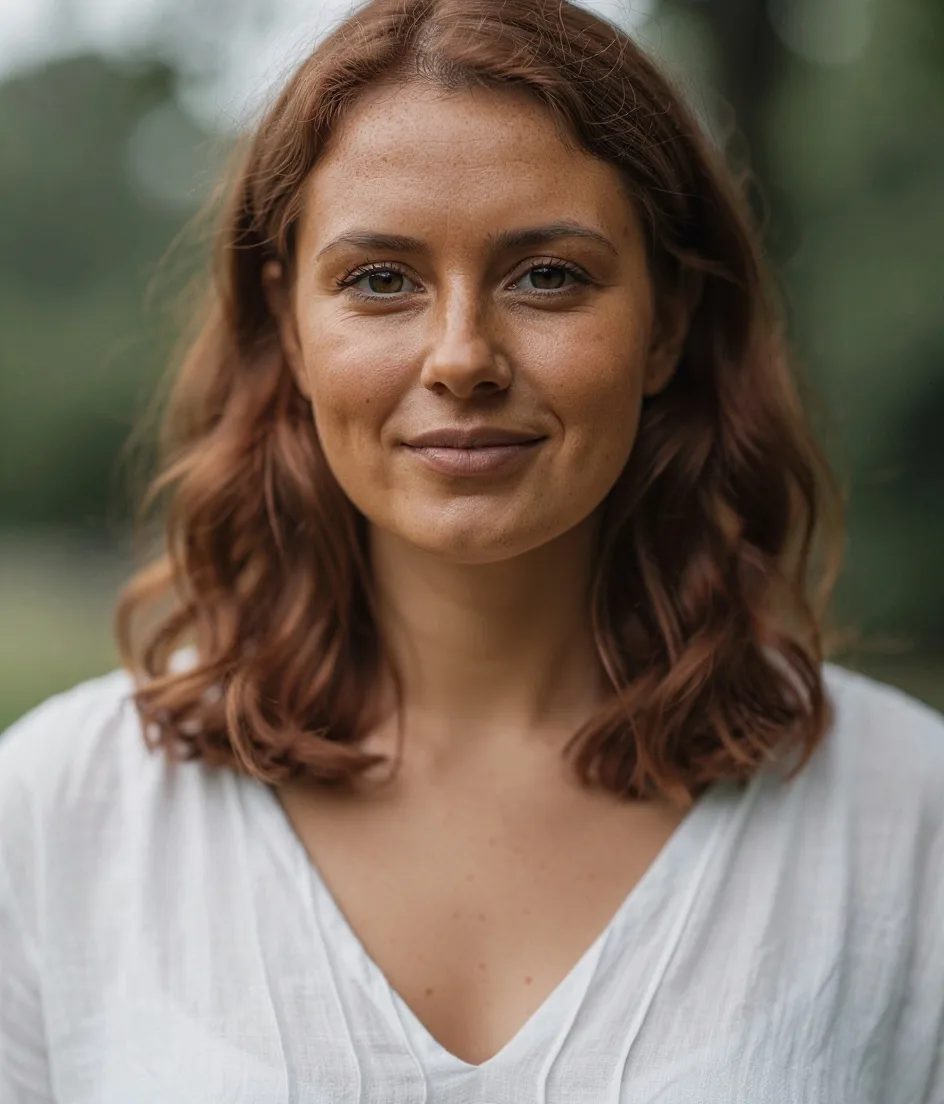
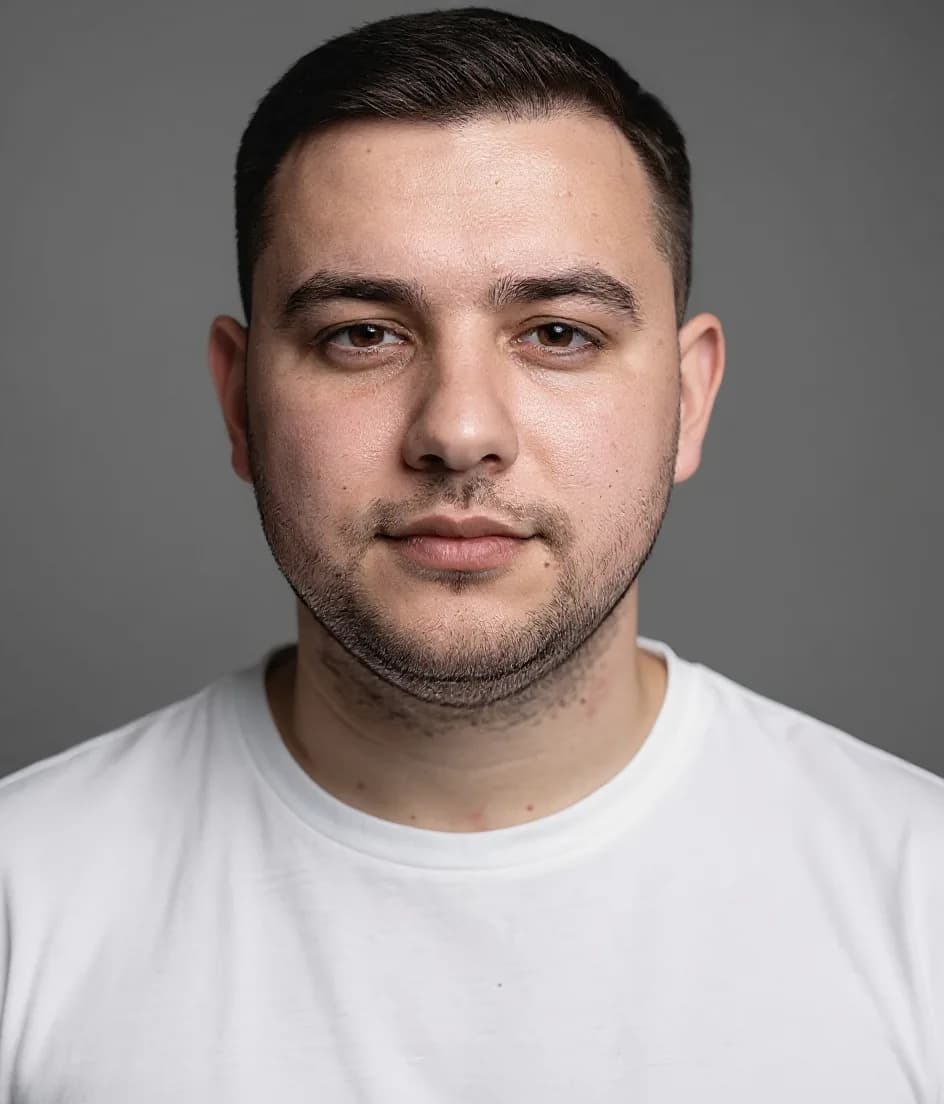
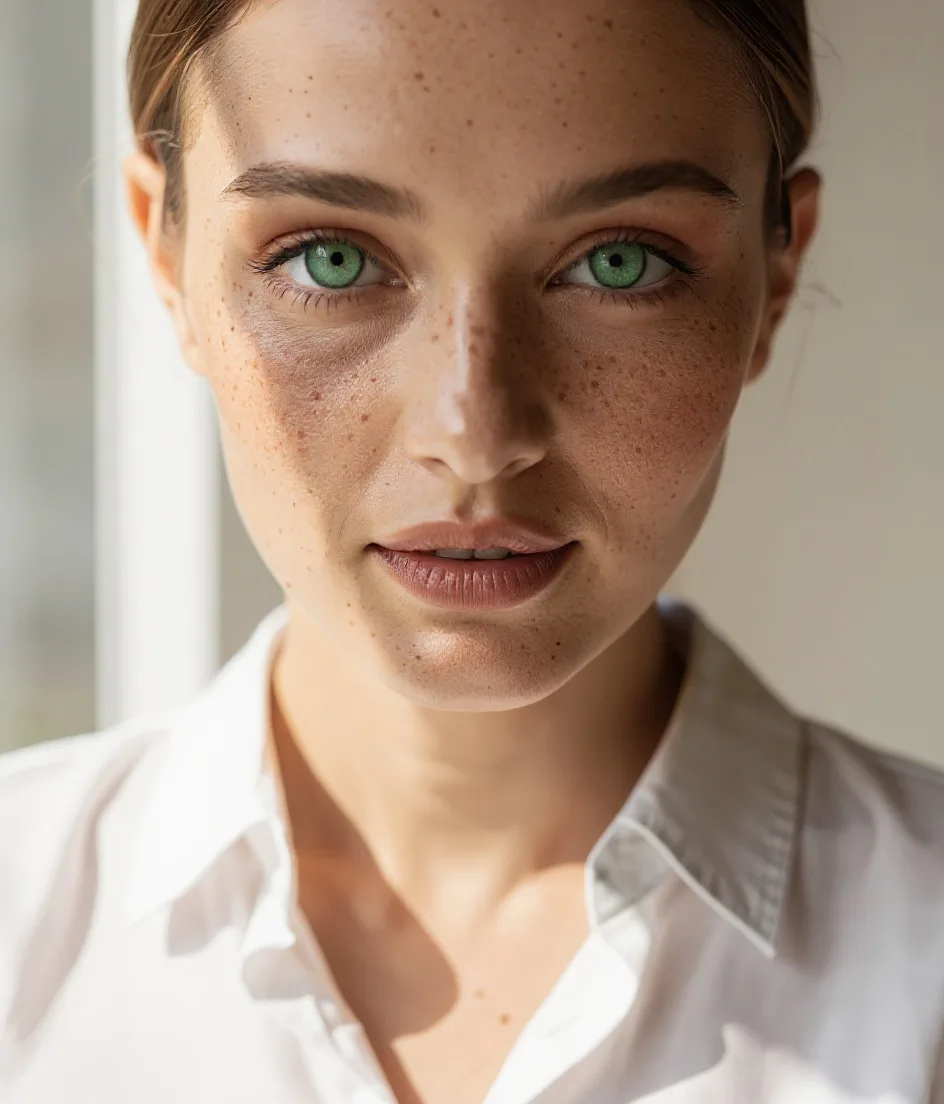
Drag to compare · AI-generated sample
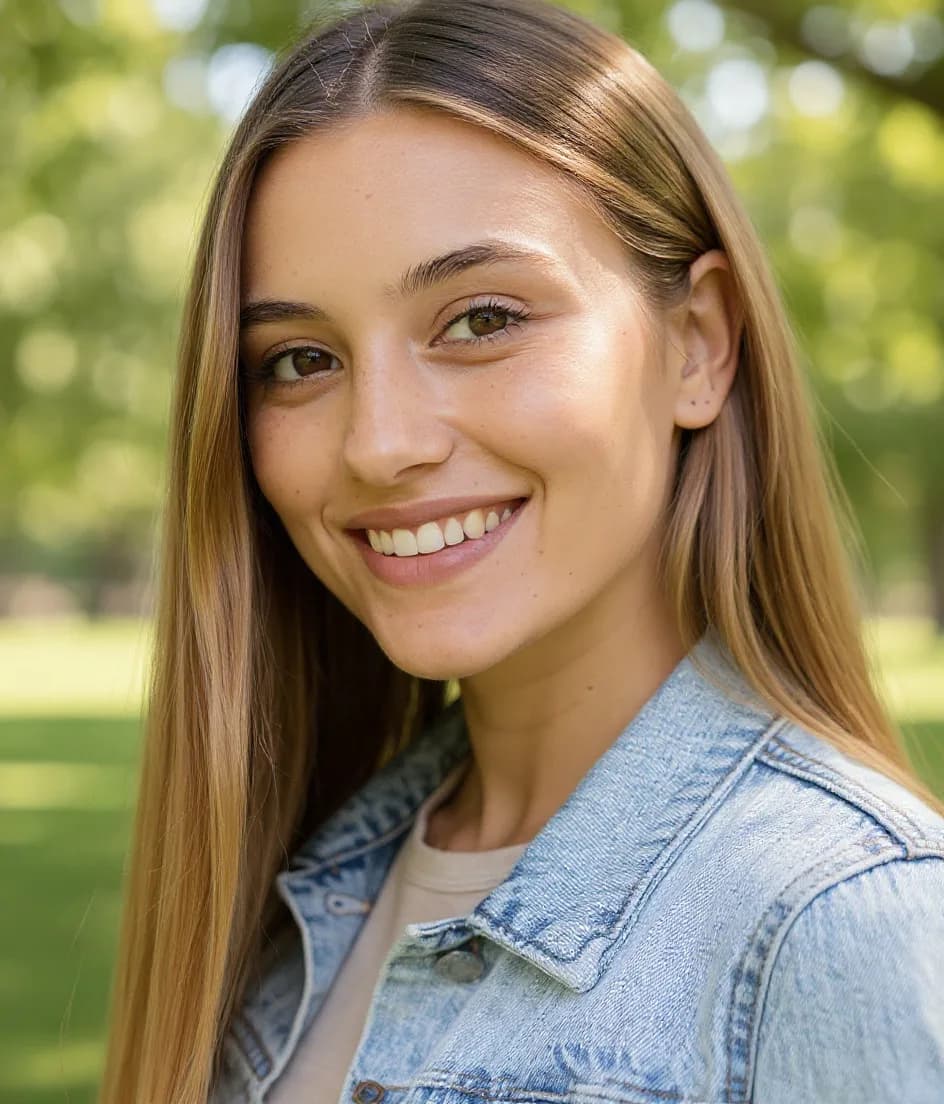
How to use photo retouch with FaceBodyTune
- 01
Open the editor
No download — it works right in your browser.
- 02
Upload a photo
Any photo from your phone or computer.
- 03
Use photo retouch
Move the slider and watch it change live.
- 04
Download & share
Save in full quality or share a private link.
Frequently asked questions
Is photo retouching free?
Yes — all retouch sliders are free and unlimited.
Will people notice?
Small changes look the most natural. Start around 30–40 and compare with the original.
Does it work on group photos?
It retouches the most prominent face in the photo.