Free tool
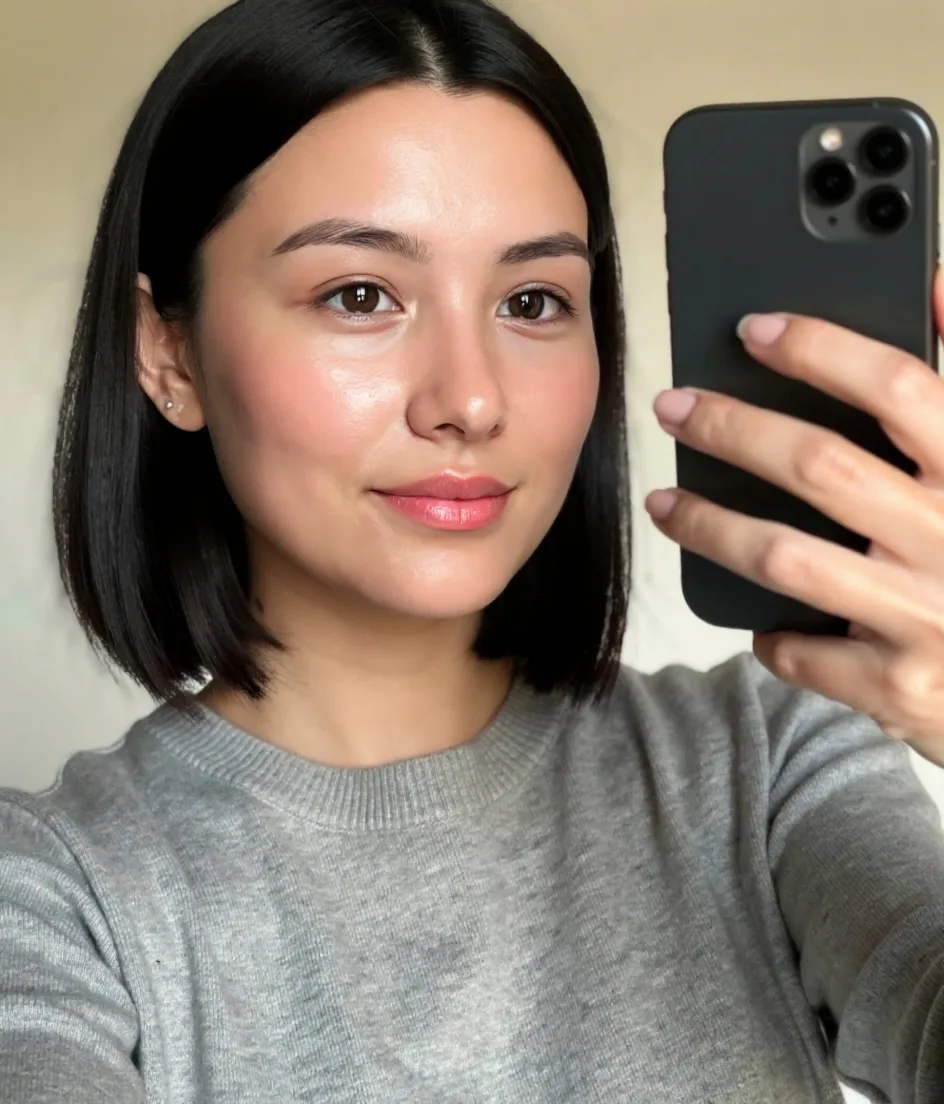
Whiten teeth in photos in one tap
A brighter, natural-looking smile — only the teeth change, never your lips or gums.
Free to start Works in your browser Private by design


Drag to compare · AI-generated sample


How to use teeth whitening with FaceBodyTune
- 01
Open the editor
No download — it works right in your browser.
- 02
Upload a photo
Any photo from your phone or computer.
- 03
Use teeth whitening
Move the slider and watch it change live.
- 04
Download & share
Save in full quality or share a private link.
Frequently asked questions
Do I need to smile?
Teeth need to be visible in the photo for whitening to work.
Is it free?
Yes, teeth whitening is free.