How to Try New Hairstyles on Your Face Before the Salon
Want to try new hairstyles on your face before you commit? Learn how to match cuts to your face shape, preview bobs, bangs and curls with AI, and bring the right reference to your stylist.

A big haircut is exciting right up until the moment the scissors come out. Bangs are especially famous for second thoughts. The good news is that you can now try new hairstyles on your own face, on your own photo, in a couple of minutes, and walk into the salon knowing exactly what you want.
This guide walks you through the process: understanding your face shape, picking a shortlist, previewing cuts with AI, and turning the result into a brief your stylist can actually use.
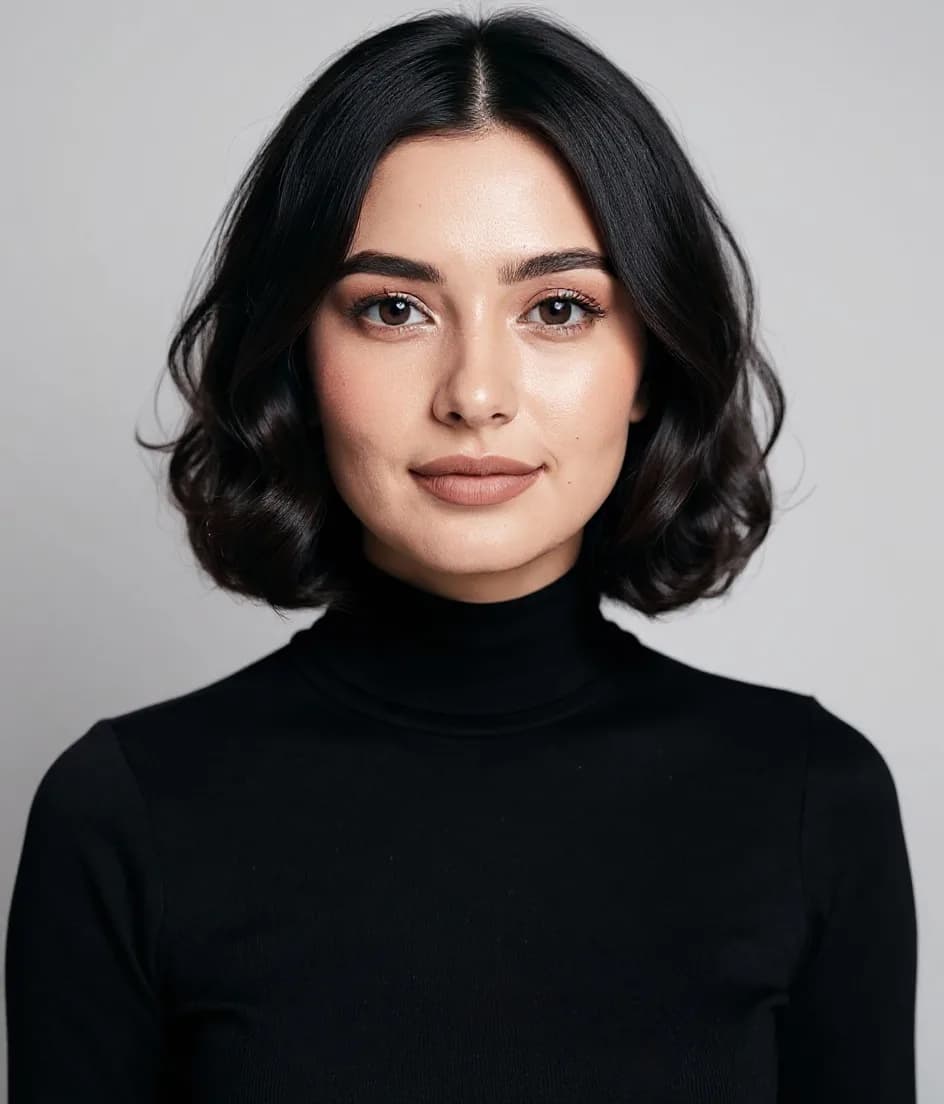
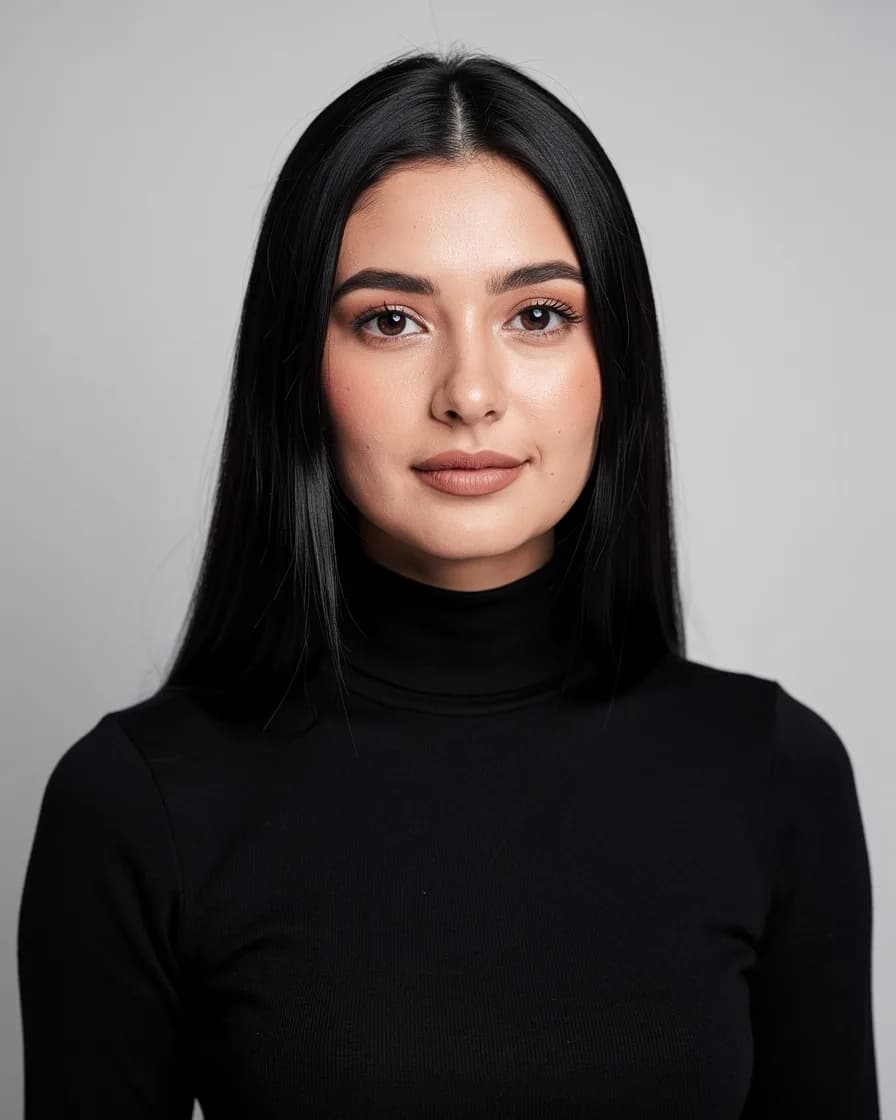
Step 1: Start with your face shape
Face shape isn’t a rule, but it’s a very useful filter. Most cuts that "just work" on someone do so because they balance the length and width of the face.
Our free hairstyle analysis measures your face from a selfie and suggests cuts that flatter your proportions. It runs in your browser, so your photo isn’t uploaded. If you want the full background, read what face shape do I have.
A quick cheat sheet:
- Oval: balanced proportions. Almost anything works, so choose by lifestyle and hair texture.
- Round: similar width and length with soft angles. Try long layers, side parts and a bit of height at the crown. Chin-length blunt bobs can add width.
- Square: strong jaw and a broad forehead. Soft layers, waves and side-swept bangs soften the corners.
- Heart: wider forehead and a narrower chin. Chin-length bobs and curtain bangs add balance at the jaw.
- Oblong: longer than it is wide. Volume at the sides and bangs make the face look more balanced. Very long, straight hair adds more length.
- Diamond: wide cheekbones with a narrower forehead and chin. Bangs and fullness at the chin work well.
Tip: texture matters as much as face shape. A cut designed for thick, straight hair can look completely different on fine or curly hair, so tell your stylist about your texture and daily routine.
Step 2: Build a shortlist of three to five cuts
Don’t try forty styles. Pick a short, varied list so the comparison actually teaches you something:
- A safe version: your current length with fresh layers or a new part.
- A medium change: a lob (long bob), curtain bangs or face-framing layers.
- A bold change: a pixie, a blunt bob, a shag or a big color shift.
- A wildcard: something you’d never pick, just to see. It’s often the surprise favorite.
For men, a similar spread works well: a tidy taper, a textured crop, a longer swept-back style, and one beard variation using the AI beard filter.
Step 3: Take a photo that gives honest results
The preview is only as good as the photo you feed it.
- Face the camera straight on with your chin level. A tilted head makes the face look shorter or longer than it is.
- Pull your hair back or tuck it behind your ears so your hairline and face outline are visible.
- Use soft, even light from a window in front of you. Strong shadows confuse the face shape.
- Hold the phone at eye level and at arm’s length or further. Close-up selfies widen the nose and narrow the face.
- Take a second photo at three-quarter angle. Most people will see you from the side, so it’s worth checking both views.
Step 4: Preview the cuts with AI
With AI hairstyles you choose a style and the AI renders it on your photo, keeping your face, skin tone and expression. Go through your shortlist and save each result.
Things to look for when comparing:
- Where the eye lands. A good cut draws attention to your eyes or cheekbones, not the widest part of your face.
- The jawline. Does the length end at a flattering point? Hair that stops exactly at the widest part of your face adds width.
- How "you" it feels. If you look at a result and immediately smile, pay attention to that.
Thinking about bangs? Preview them separately with the bangs filter. Bangs change the proportions of the face more than almost any other cut, so they deserve their own test.
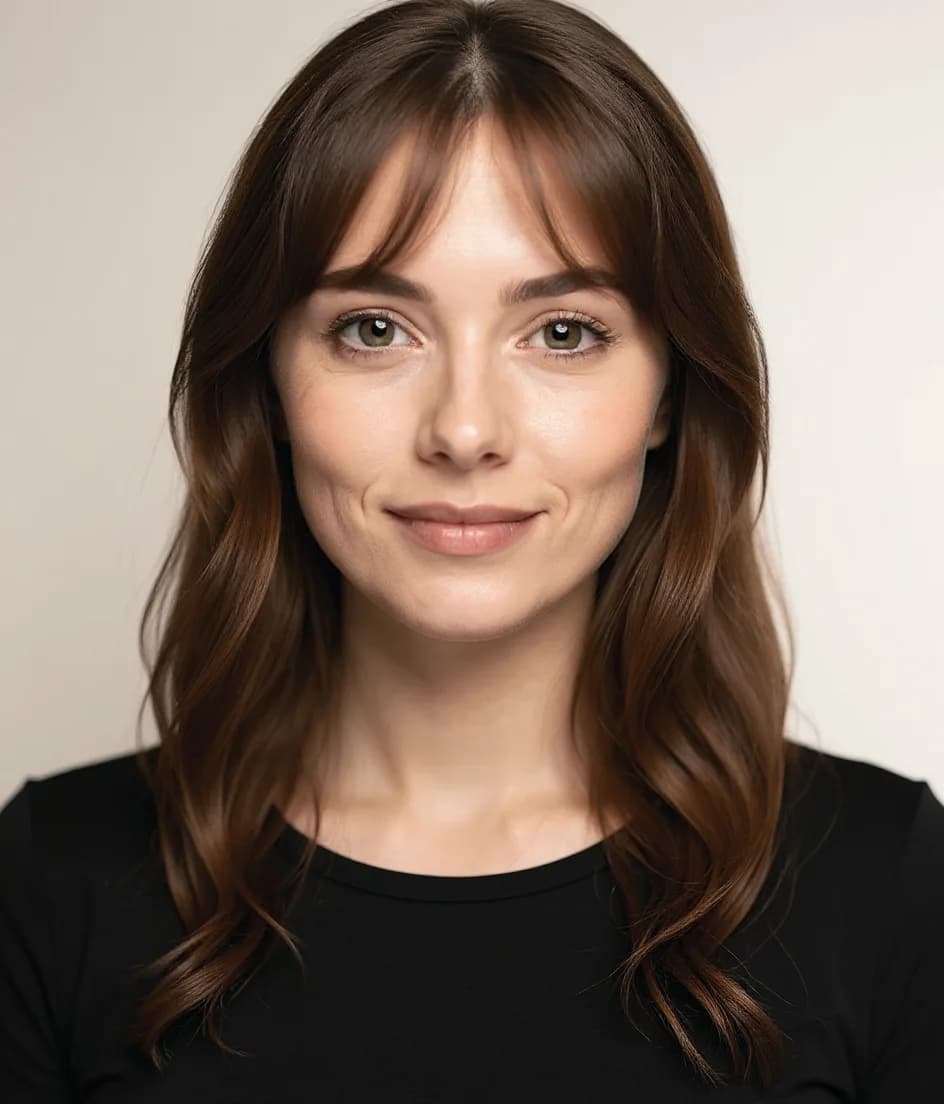
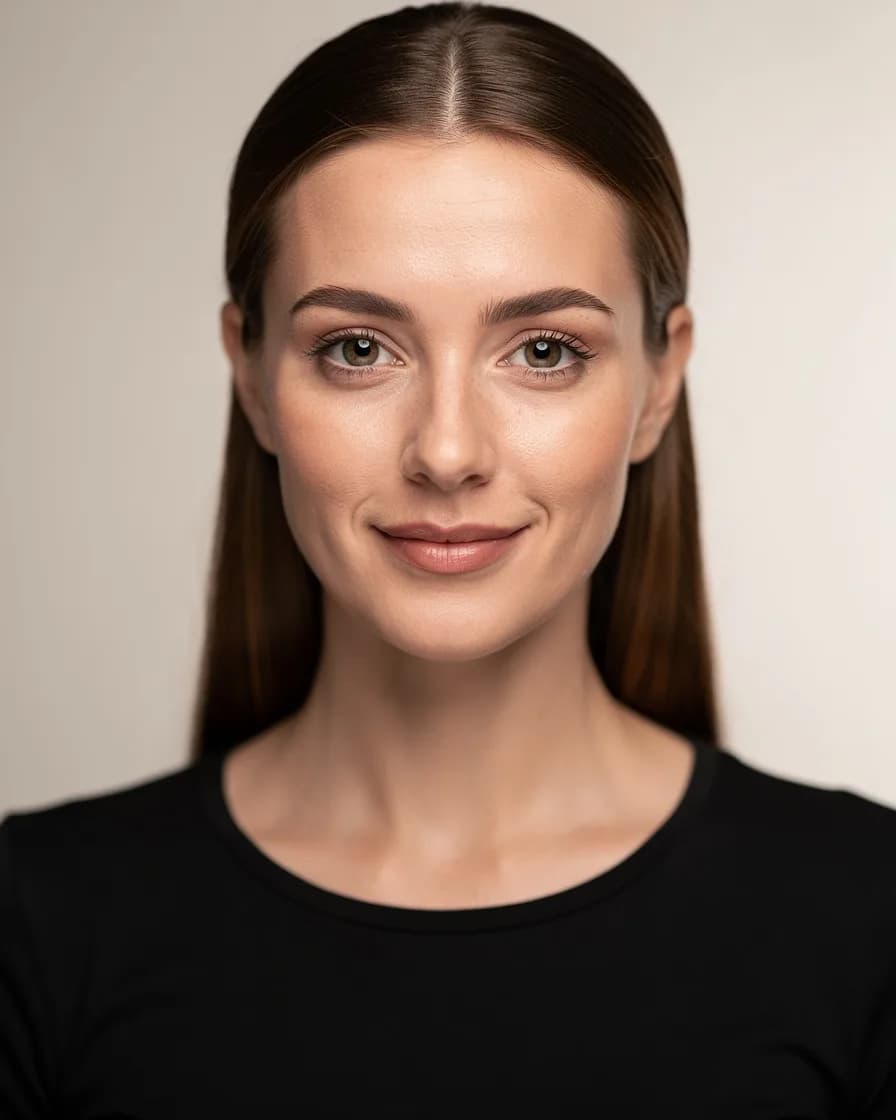
Add color if you’re changing it too
Cut and color work together. A shag looks different in dark espresso than in honey blonde. If you’re open to a color change, run your favorite cut through the hair color changer as well. Pick a shade that suits your undertone: golden and copper tones flatter warm skin, ash and cool brown tones flatter cool skin.
How to do it in FaceBodyTune
- Upload a front-facing photo with your face clearly visible in the editor.
- Open AI Hairstyle and pick a style from the list, such as bob, pixie, long layers, curls or bangs.
- Generate and review the result. Try two or three variations of the cut you like most.
- Adjust color with the Hair Color tool if you want to see a new shade together with the cut.
- Download your favorites and keep them in one album to show your stylist.
AI edits use your daily free allowance, so you can test several looks every day without paying.
Step 5: Turn your preview into a salon brief
A preview is a picture; your stylist also needs words. Bring:
- Your AI preview plus one or two real photos of the cut on someone with similar hair texture.
- The length in landmarks: "just above the collarbone", "brushing the eyebrows", not "a bit shorter".
- What you don’t want: "no heavy layers on top", "keep weight at the ends".
- Your routine: how long you spend styling in the morning, and whether you air-dry.
Tip: ask your stylist to cut slightly longer than the preview. You can always go shorter in a second appointment, but not the other way around.
Mistakes to avoid
- Choosing a cut from a heavily filtered celebrity photo. Lighting and extensions often do most of the work.
- Ignoring your cowlicks and hairline. A preview can’t always show a strong cowlick, so mention it.
- Previewing on a low-quality photo. Blurry inputs lead to unrealistic results.
- Deciding on a bad hair day. Mood affects what you like. Look at your shortlist again the next morning.
Before-you-book checklist
- Face shape checked with the hairstyle analysis tool
- Three to five cuts previewed on your own photo, front and three-quarter view
- Bangs tested separately if you’re considering them
- Color previewed if you’re changing shade
- Saved previews plus landmark lengths ready for your stylist
Trying a hairstyle on your face first takes the guesswork out of a big change. It won’t replace a good stylist, but it’ll make that conversation much easier.
Frequently asked questions
Can I see what a hairstyle looks like on my face?
Yes. Upload a clear, front-facing selfie to an AI hairstyle tool and it will render the cut on your own face and hair. It’s the easiest way to compare a bob, layers, bangs or curls before you book an appointment.
How do I know which haircut suits my face shape?
Find your face shape first (oval, round, square, heart, oblong or diamond), then choose cuts that balance it. Round faces suit length and height, square faces suit soft layers, and long faces suit volume at the sides and bangs.
Are AI hairstyle previews accurate?
They’re very good for judging shape, length and overall vibe. They can’t predict exactly how your hair texture will behave day to day, so use the preview to choose a direction and talk details with your stylist.
Try it on your own photo
Free face and body edits right in your browser — plus AI tools when you want more.
Try hairstylesKeep reading

Seasonal Color Analysis: Find Your Season (Free 2026 Guide)
A practical guide to seasonal color analysis: what undertone, depth and contrast mean, how to tell Spring, Summer, Autumn and Winter apart, and how to test your season for free in daylight.

What Face Shape Do I Have? How to Tell in 2 Minutes
What face shape do I have? Learn how to measure your face at home, understand the six face shapes (oval, round, square, heart, oblong, diamond) and find the hairstyles, glasses and makeup that flatter each.

How to Change Hair Color in Photos (Natural Results)
Thinking about a new shade? Learn how to change hair color in photos so it looks real: choosing honey blonde, copper or ash brown, picking the right blend mode, and checking roots, ends and shine.