How to Look Taller in Photos: 10 Posing & Editing Tips
Want to look taller in photos? These posing, camera angle and outfit tricks add visible length, plus how to use a height editor subtly so your photos still look natural.

Most of us have seen a photo of ourselves and thought, “Is that really how short I look?” Usually the answer is no. Camera height, lens distortion and posture can easily shave visible inches off anyone, whatever their actual height.
The fix is mostly about how the photo is taken. A few posing and angle changes make a bigger difference than any edit. After that, a light touch with a height editor can finish the job. Here is how to do both, and keep it looking like you.
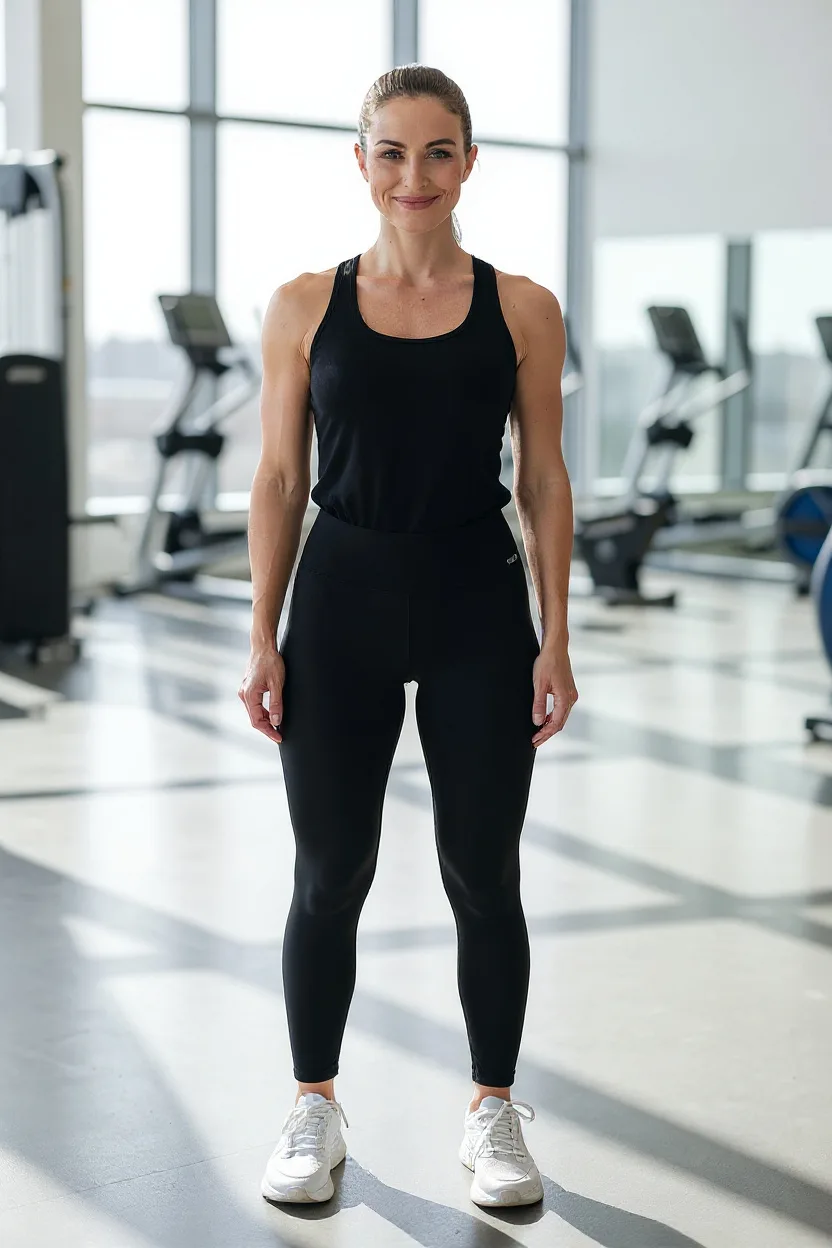
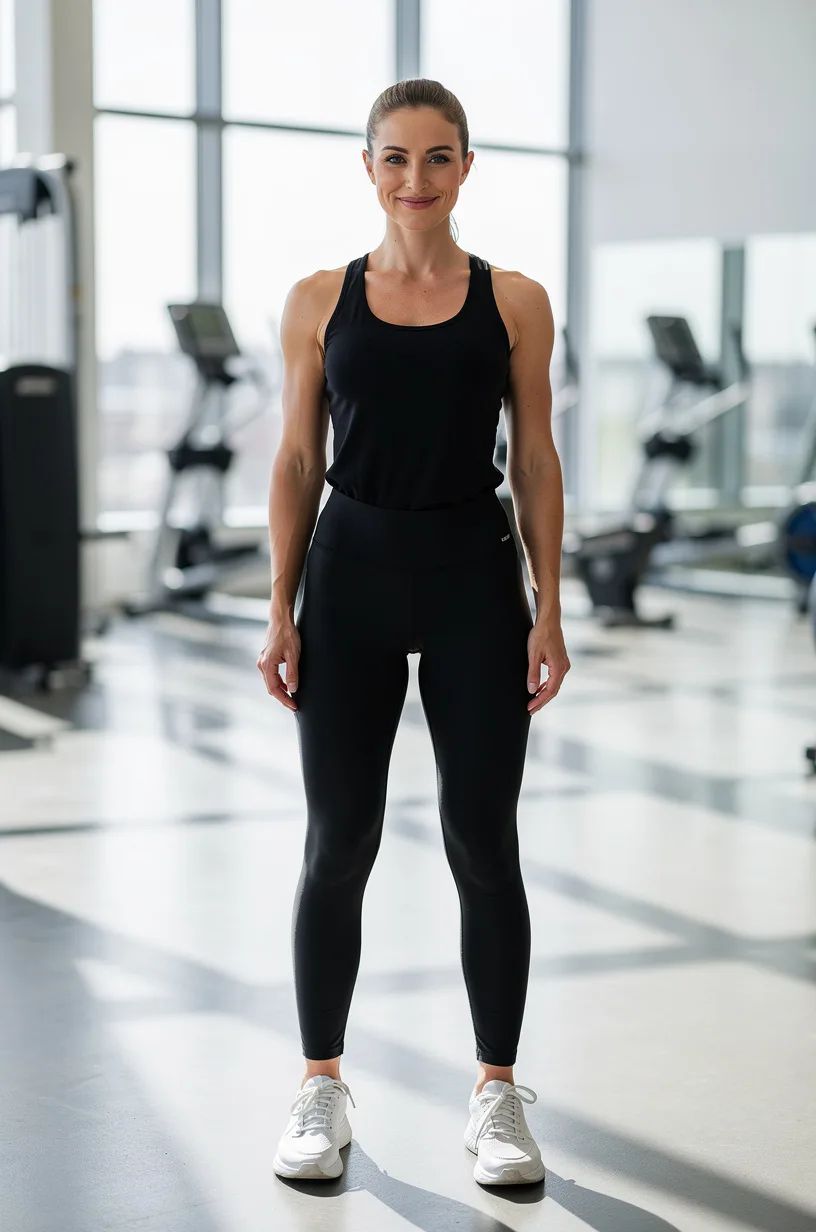
Why photos make you look shorter
Three things work against you:
- High camera angles. When someone shoots from their eye level (or above), the lens is closest to your head and furthest from your feet. Your head looks bigger, your legs look shorter.
- Wide-angle lenses up close. Phone cameras are wide. Standing close exaggerates whatever is nearest the lens, usually the top half of your body.
- Cropping at the joints. Cutting the frame at the ankles or knees makes legs look cut off and shorter.
Fix these, and you have already “grown”.
Posing tips to look taller
1. Stand tall from the crown of your head
Imagine a string pulling the top of your head upward. Lengthen your neck, drop your shoulders and engage your core gently. Good posture alone can add a visible inch or two.
2. Put weight on your back leg
Shift your weight onto the back foot and place the front foot slightly forward with the toe pointed toward the camera. This lengthens the front leg line and adds a natural, relaxed shape.
3. Try the slight step forward
Walking or stepping toward the camera makes the leading leg look longer. Ask your photographer to take a burst while you take a slow step.
4. Keep your chin slightly forward and down
Pushing your chin a little forward and slightly down defines the jaw and stops the neck from disappearing. Don’t tilt your head back; it shortens your neck in the image.
5. Show your ankles
Visible ankles create a longer leg line. Cropped trousers, rolled hems or shoes with a low vamp all help.
Camera angle tricks
6. Shoot from waist or hip height
Ask your photographer to crouch so the phone is at about your hip height, tilted very slightly upward. This is the single most effective tip in this guide.
7. Leave space, then crop smart
Keep your feet in the frame with a little space below them. Put your feet near the bottom edge of the photo rather than in the middle. Never crop at the ankles or knees.
8. Use the 0.5× lens carefully
The ultra-wide lens, held low and close to the ground, can make legs look very long. A little goes a long way, though: too close and the effect looks cartoonish. Keep your face toward the center of the frame, where distortion is lowest.
Outfit tips that add length
9. Create one long vertical line
- Monochrome or tonal outfits (top and bottom in similar colors) read as one long line.
- High-waisted trousers or skirts make legs look longer.
- Matching shoes to trousers or skin tone extends the leg line further.
- Vertical details such as a long open coat, a V-neck or front pleats draw the eye up and down.
For more on dressing for your proportions, see our guide to finding your body shape.
Mistakes that make you look shorter
Even with good intentions, a few habits quietly take height away:
- Slouching or leaning on things. Leaning on a wall or railing tilts your body and shortens your silhouette. Stand on your own.
- Standing square and flat-footed. Both feet flat and facing forward look stiff and blocky. Angle your body slightly and put weight on one leg.
- Big contrast at the waist. A bright top with dark trousers cuts your body in half visually. If you want contrast, keep it near your face instead.
- Oversized everything. Baggy layers on top and bottom hide your shape. Balance one loose piece with one fitted piece.
- Sitting low in group shots. Perching on a low sofa or step folds your legs and makes you look smaller next to others. Sit at the front edge, back straight, legs angled.
- Shooting in the middle of the day. Harsh overhead sun casts short, heavy shadows under you. Softer morning or late-afternoon light flatters height and shape.
How to look taller with FaceBodyTune
10. Finish with a subtle height edit
When the photo is already well posed, a small adjustment can polish it. Our height editor lengthens the legs and body in proportion.
- Upload a full-body photo in the editor, head to feet, standing upright.
- Open Body and choose Height. You can also try Leg length for a leg-only change.
- Adjust gently. Aim for about 3–5%. Slide up, then back down a little.
- Check the background for bent lines, stretched doorframes or wobbly tiles.
- Download your photo.
This is a basic edit, so it’s free and runs in your browser. We don’t keep your photos.
Tip: compare your edit at phone size, not just zoomed in. If the change is obvious on a small screen, it is too much.
Keep it subtle (and keep it you)
Height edits are where photos most often tip into “edited”. A few honest guardrails:
- Small beats big. A 3% change looks like great posing; a 15% change looks like a funhouse mirror.
- Watch other people in the frame. If you’re standing with friends, stretching yourself and not them will be noticed.
- Know where it matters. For dating profile photos, people will meet you in person, so keep your height true to life. Posing tricks are fine; big edits create awkward first dates.
Every height photographs well with the right angle. The goal is to undo the camera’s distortion, not to become someone else. For more natural editing rules, read how to edit your body in photos naturally, or look at the full body editor.
Before-you-post checklist
- Camera was at waist or hip height, not above eye level
- Feet are in frame, with no crop at the ankles or knees
- Posture is tall with a long neck
- Any height edit is around 3–5%
- Background lines, doorframes and floors look straight
- You still look like you
Frequently asked questions
What camera angle makes you look taller?
A camera held at about waist or hip height, tilted very slightly up, makes legs look longer. Shooting from above shortens the body, so avoid high angles for full-length photos.
How much height can I add in an edit before it looks fake?
Keep it to roughly 3–5% for a natural result. Beyond that, legs, doorframes and background lines start to stretch in ways people notice.
Does the height editor need a full-body photo?
Yes. Height and leg length work best with a photo that shows you from head to feet, standing upright, so the editor can find your legs and adjust them in proportion.
Try it on your own photo
Free face and body edits right in your browser — plus AI tools when you want more.
Adjust heightKeep reading

How to Preview a Tattoo Before Getting It (Placement & Size)
Preview a tattoo before getting it by trying designs on your own photo. Learn how to test placement, size, scale and opacity, why you should sleep on it, and what to bring to your tattoo artist.

How to Blur the Background in Photos (Portrait Mode Guide)
Want that soft, professional look? Here’s how to blur the background in photos, how portrait mode really works, how much blur to use, and how to keep hair and edges looking natural.

How to Edit Your Body in Photos Naturally: 9 Pro Tips
Bent door frames and stretched faces give an edit away instantly. Here are nine retoucher tricks for natural body edits — waist, height and more.