How to Edit Your Body in Photos Naturally: 9 Pro Tips
Bent door frames and stretched faces give an edit away instantly. Here are nine retoucher tricks for natural body edits — waist, height and more.

Everyone has seen an edit that went too far: a wavy wall, a stretched phone, a waist that defies physics. The good news? Natural body edits follow a few simple rules.
1. Start with the right photo
Good light, a straight-on angle and a plain background make every edit easier. Full-body photos work best for height changes.
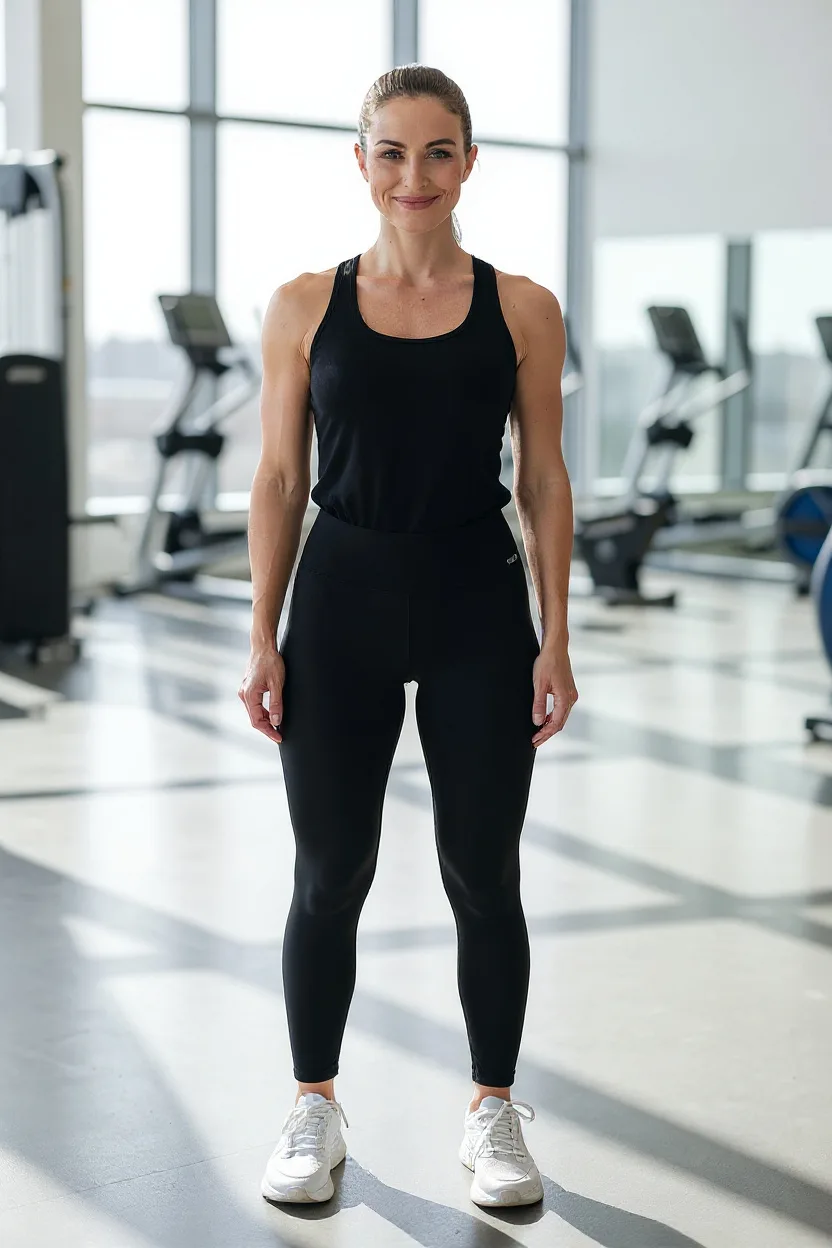
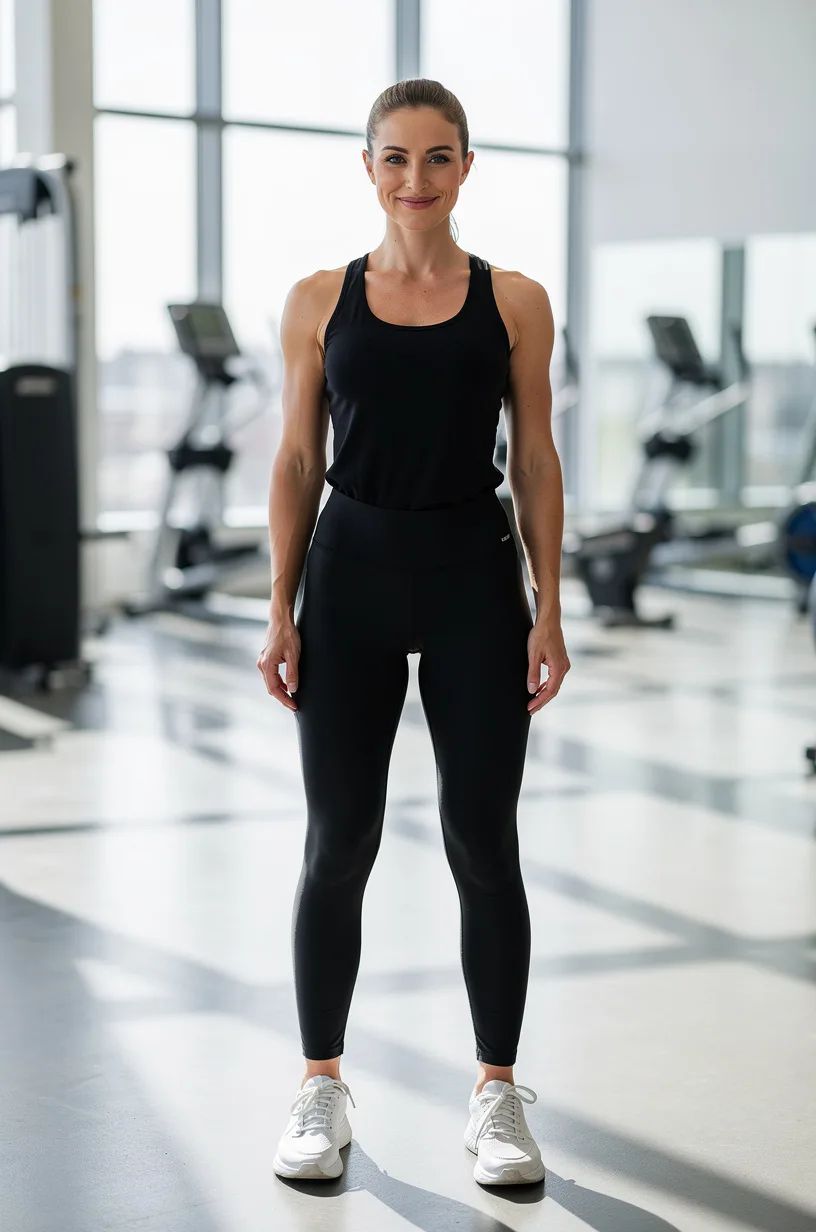
2. Change less than you think
Subtle beats dramatic. Aim for 5–10% on any single slider. Step away for a minute and look again — your eye resets.
3. Watch the background
Straight lines are the biggest giveaway. Door frames, tiles and horizons should stay straight. FaceBodyTune’s sliders follow your body outline to protect the background, but always double-check.
4. Keep proportions balanced
If you slim your waist, a tiny lift at the hips keeps the curve natural. If you add height, add it to the legs — not the torso or head.
5. Mind your clothing
Patterns and stripes bend when you reshape. Solid colors are much more forgiving.
6. Use presets as a starting point
Presets like Hourglass or Athletic set several sliders at once in proportion. Start there, then reduce the strength until it looks like you on a great day.
7. Edit hair and color last
Hair color and clothing color changes look best after your shape is final, because they follow the new outline.
8. Compare before and after
Use the before/after view often. If a friend would notice the change immediately, dial it back.
9. Be kind — to yourself and others
Edit for fun, confidence and creativity. Only edit photos of other people with their permission, and never create images meant to mislead or embarrass anyone.
Ready to try it? Open the editor, upload a photo, and start with a single slider.
Frequently asked questions
How much can I change my waist before it looks fake?
Most professional retouchers stay within about 5–10%. Beyond that, clothing folds and the background start to look distorted.
Do I need a full-body photo?
For height and leg edits, yes — head to feet works best. For waist, chest and arms, a waist-up photo is enough.
Try it on your own photo
Free face and body edits right in your browser — plus AI tools when you want more.
Edit my bodyKeep reading

How to Preview a Tattoo Before Getting It (Placement & Size)
Preview a tattoo before getting it by trying designs on your own photo. Learn how to test placement, size, scale and opacity, why you should sleep on it, and what to bring to your tattoo artist.

How to Look Taller in Photos: 10 Posing & Editing Tips
Want to look taller in photos? These posing, camera angle and outfit tricks add visible length, plus how to use a height editor subtly so your photos still look natural.

How to Blur the Background in Photos (Portrait Mode Guide)
Want that soft, professional look? Here’s how to blur the background in photos, how portrait mode really works, how much blur to use, and how to keep hair and edges looking natural.