How to Add Six-Pack Abs to a Photo with AI (and Keep It Realistic)
AI can add realistic, toned abs to a photo in seconds. Here’s how it works, which photos give the best results, and how to keep it believable.

Whether you’re planning a fitness goal, making a fun “future me” photo, or just curious, AI can now add realistic abs to a photo in seconds.
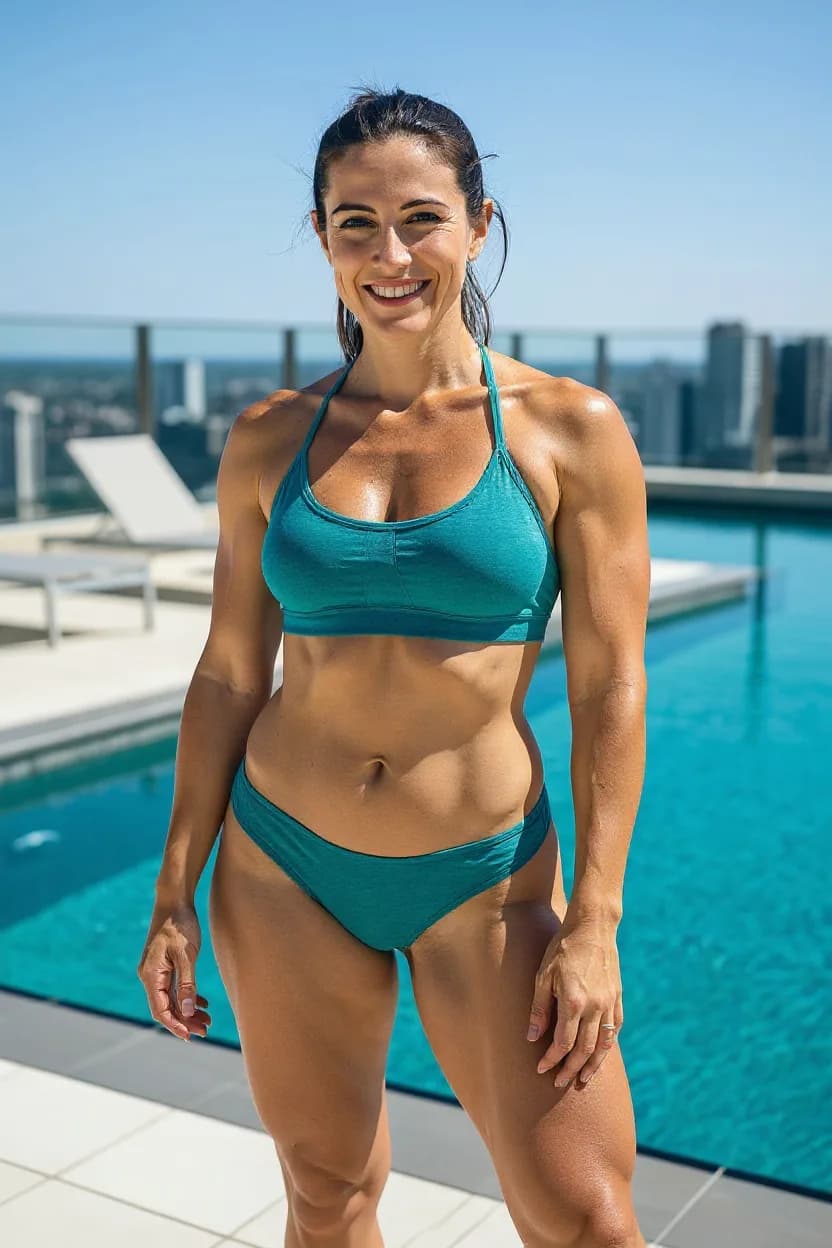
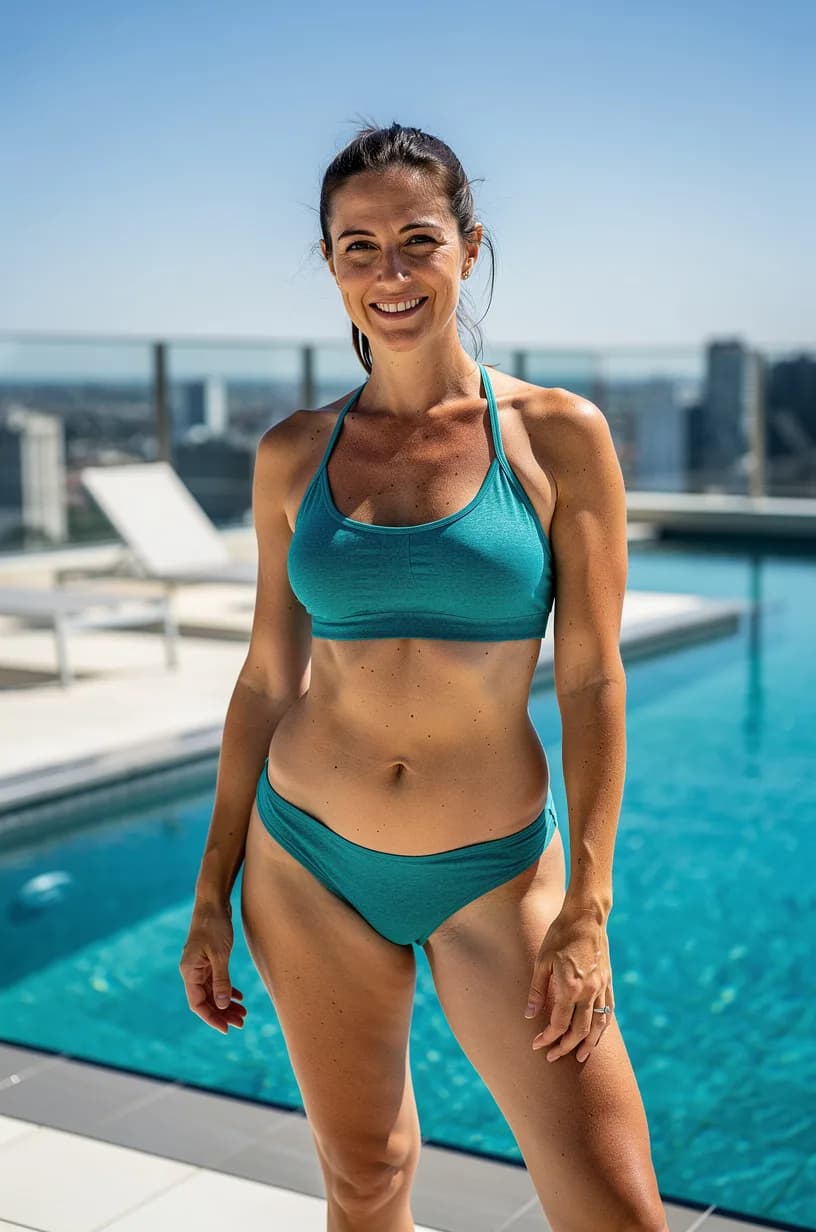
How AI abs work
Older tools pasted a stock six-pack on top of your stomach — and it always looked pasted. Modern AI edits redraw the area instead. The model looks at your skin tone, lighting and body position, then paints muscle definition that matches.
Photos that give the best results
- Even, natural light. Soft window light is ideal; harsh flash flattens muscle shadows.
- Stomach clearly visible. Shirtless or a crop top works; loose clothing hides the area.
- Straight-on or slight angle. Extreme angles make the result less predictable.
How to do it in FaceBodyTune
- Upload your photo in the editor.
- Tap Abs in the AI tools — or just type “add six pack abs” in the AI chat.
- Pick the intensity: toned, defined or shredded.
- Compare before and after, then download or share.
Keep it believable
The most realistic abs match the rest of your body. If your arms and shoulders are relaxed, choose toned rather than shredded. You can also combine abs with a small waist slim for a cohesive look.
Our safety rules
AI abs never remove clothing beyond what’s in your photo, and we don’t allow sexual edits or edits of anyone under 18. Edited images are labeled as edited.
Frequently asked questions
Does adding abs with AI cost credits?
In FaceBodyTune, abs use one AI edit. Every free account gets free AI edits each day; after that, it uses one credit.
Is my photo stored after an AI edit?
No. AI uploads are deleted automatically within 24 hours, and we never use your photos to train AI models.
Try it on your own photo
Free face and body edits right in your browser — plus AI tools when you want more.
Add abs with AIKeep reading

How to Try On Outfits With AI (Before You Buy or Pack)
Learn how to try on outfits with AI using a photo of yourself: AI outfit changers vs simple clothes color changers, the photos that work best, and tips for realistic, flattering results.

How to Remove Objects From Photos (People, Wires & Clutter)
Learn how to remove objects from photos cleanly: strangers in the background, power lines, clutter and stray text. Simple AI steps plus the tricks that stop smudges and ghost edges.