Use case
Make your wedding photos glow
Luminous skin, soft romantic light and polished details for your most important day.
Free to start Works in your browser Private by design
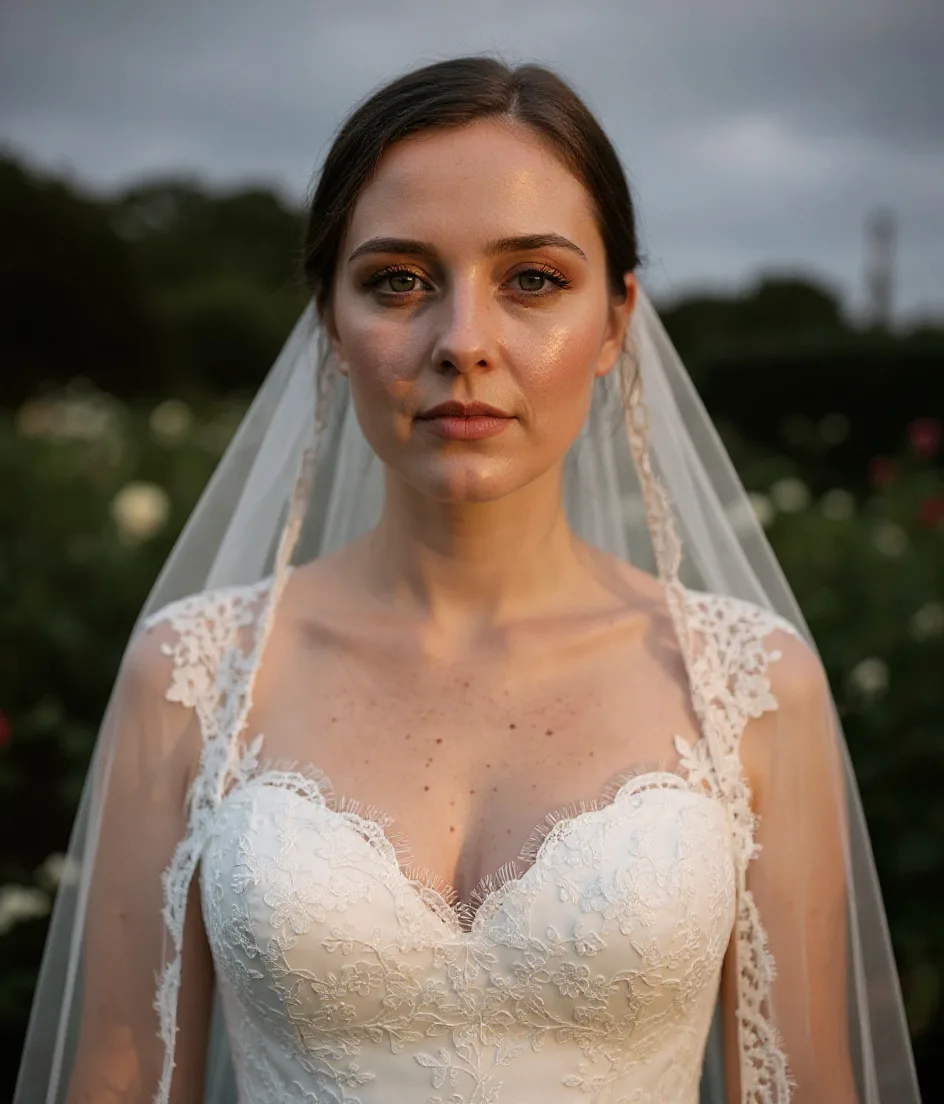
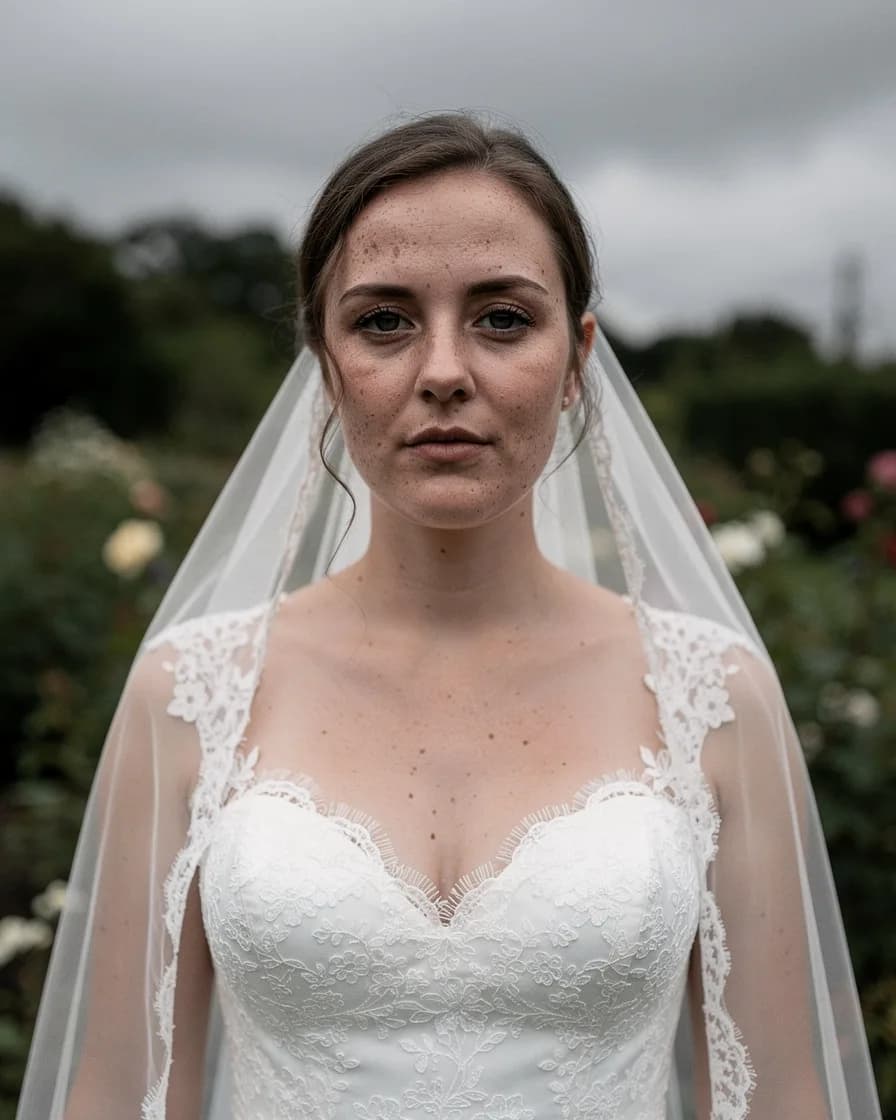
Drag to compare · AI-generated sample


How to use wedding photo editor with FaceBodyTune
- 01
Open the editor
No download — it works right in your browser.
- 02
Upload a photo
Any photo from your phone or computer.
- 03
Use wedding photo editor
Move the slider and watch it change live.
- 04
Download & share
Save in full quality or share a private link.
Frequently asked questions
Will it change the dress or flowers?
No — retouch tools only affect skin and the tones you choose.